










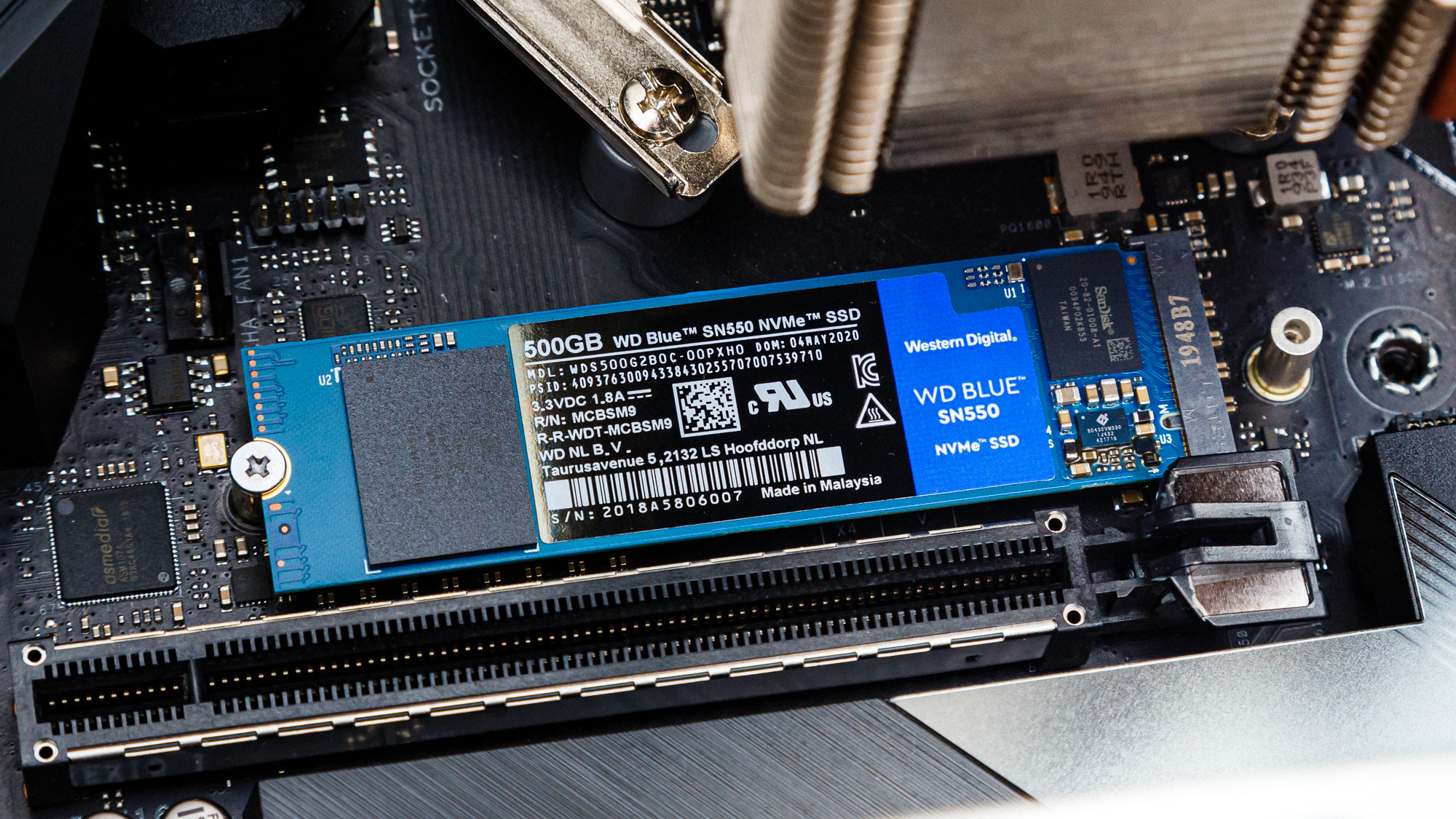
Have you ever seen a website struggle to load a large video library? Have you ever had to wait for an eternbefore the cforr ydatabase our datto completeen you are familiar with the very issue storage dedicated servers were created to address. As companies create more and more data annually – from customers’ data to media archives, transaction logs, backups, and so forth – the point is no longer whether to store it somewhere but where.
Storage dedicated servers are those specific devices designed to store massive amounts of data and provide quick access to it without sharing the hardware resources with others.
This article will introduce you to the nature of storage dedicated servers, explain their inner workings, discuss their benefits and advantages, and share tips for choosing one of them.
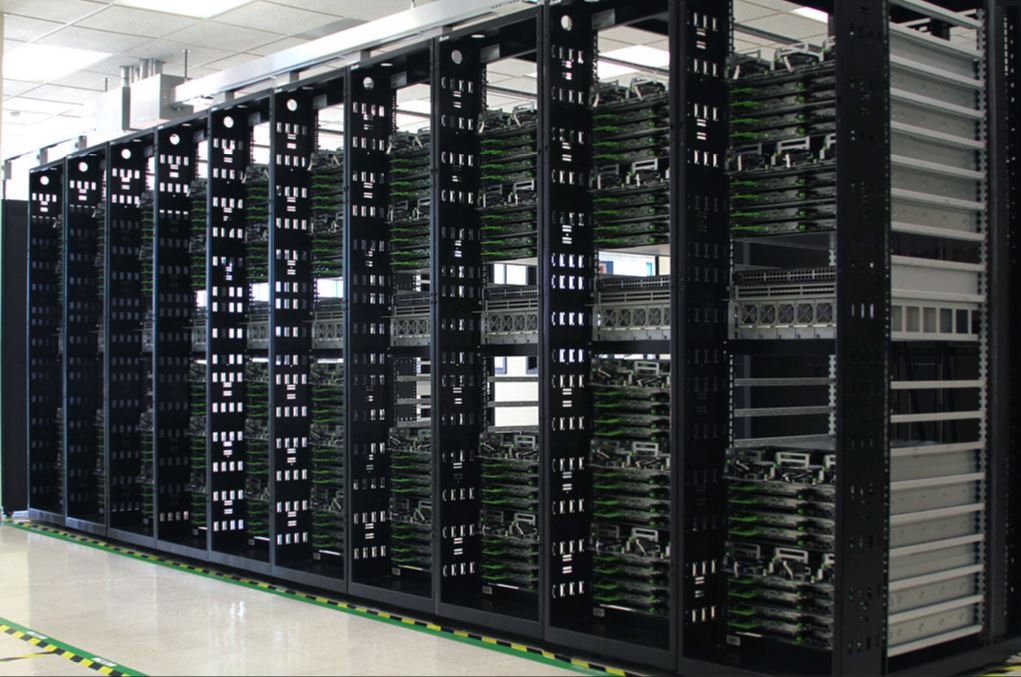
A data center storage environment — the physical foundation behind large-scale dedicated storage.
What Are Storage Dedicated Servers?
Storage dedicated servers are physical servers that are rented or fully owned by only one customer and set up specifically for maximum storage rather than maximum speed. The CPU and RAM will also be there; however, the main component will be the drive configuration, which is made up of a few terabytes and sometimes even petabytes when a number of drive bays are used together.
The keyword is “dedicated” since this hardware will not be shared with anyone else. The whole storage, processing capability, network bandwidth, etc., are reserved just for you during the lease or while you own the server.
While a dedicated server normally comes well-balanced (with some good CPU, RAM, M and storage capacities) and is meant to handle applications or websites, the storage dedicated server is imbalanced. There will be many drive bays with large storage capacities (sometimes eight, twelve or even more), there will be the RAID controller for managing these drives, and there will be some CPU and RAM just to transfer data.
efficiently — because the workload here is about capacity and throughput, not heavy computation.
Common configurations range anywhere from a few terabytes for smaller businesses up to multi-petabyte arrays for enterprises running large backup systems or media libraries.
How Do Storage Dedicated Servers Work?
While marketing language hides the real concept of a storage dedicated server, it is simply a coordinated system made up of different components:
CPU providesthea logic of the process of reading and writing data, management of the file system, and any kind of storage software installed on the server. RAM serves as an area for quick data access that does not require getting information from the disk each time. Drives, whether they are HDD, SSD, D or NVMe, provide you with actual storage of your data. A network connection is needed for data to be transferred from one place to another (to users, applications, etc.).
In the case when the server receives some request from the user (download of files, access to the database, etc.), itfinds thee requested data on the disk, transfers data to the memory, and passes it along the network connection. This process is highly dependent on the type of drives used and their RAID configuration.
RAID (Redundant Array of Independent Disks) is a technology that allows using multiple physical drives as one logical device. Depending on how it is configured, RAID may improve server performance, provide data redundancy in case of drive failure, or do both of those things. Different RAID levels will be discussed below.
The operating system takes care of the management of file systems, permissions, and storage protocols in general.
Key Benefits of Storage Dedicated Servers
High Storage Capacity
This is the most obvious use. Storage dedicated servers are made for storing a lot of data. Whether you need to store a large amount of information with hard drives, want additional performance from solid-state drives, or require high speed even from NVMe drives, such a server will be a great choice.
Dedicated Resources
Since you’re not sharing hardware with other tenants, there’s no risk of a neighboring account hogging disk I/O or bandwidth during peak hours. What you provision is what you get, consistently.
Fast Data Access
When it comes to using SSD or NVMe drives, file transfers and application responsiveness see a significant improvement from when traditional hard disk drives are used. This becomes especially true for large companies that use databases and stream media.
Better Security
Since the hardware is not shared, the access policy, firewall, and security settings are much easier for you to control. There is no issue of multiple tenants here, since the data is stored exclusively on hardware owned by you.
Scalability
Most providers let you upgrade storage, RAM, CPU, or network capacity as your needs grow, so you’re not locked into whatever configuration you started with.
Reliable Performance
When there is a requirement for non-stop availability – whether it be continuous backup, streaming applications, or transactional databases- dedicated storage hardware ensures performance predictability and stability that would not be achieved in a shared environment.
HDD vs SSD vs NVMe Storage Dedicated Servers
| Storage Type | Best For | Main Advantage | Consideration |
| HDD | Large-scale, budget-friendly storage | High capacity at lower cost | Slower than SSD/NVMe |
| SSD | Business applications and databases | Fast and reliable performance | Higher cost per GB |
| NVMe | High-performance workloads | Extremely fast data access | Usually more expensive |
If your priority is raw capacity at the lowest possible cost per gigabyte — think cold backups or archival storage — HDDs still make sense. If you’re running active business applications or databases where responsiveness matters, SSDs offer a strong middle ground. And if your workload genuinely can’t afford latency (real-time analytics, high-transaction databases), NVMe is worth the premium.
Who Needs Storage Dedicated Servers?
This kind of infrastructure tends to show up wherever data volume or data sensitivity is high:
- Businesses managing large, active databases
- Backup and disaster recovery providers
- Media and video companies handling large libraries
- File and document storage platforms
- Cloud application providers needing a storage backbone
- Data-intensive websites (think large e-commerce catalogs)
- Companies handling large analytical datasets
- Hosting and virtualization providers building infrastructure for others
Storage Dedicated Servers for Different Workloads
Database Storage — Large, high-traffic databases benefit from the fast read/write speeds that SSD- or NVMe-backed dedicated servers can provide, especially under heavy concurrent load.
Backup and Archiving — Long-term retention and disaster recovery planning both lean on high-capacity, reliable storage that doesn’t need to be blazing fast, just consistent and durable.
Media and Video Storage — High-resolution video, large image libraries, and growing media archives need serious capacity along with enough throughput to avoid buffering or slow uploads.
Cloud Applications — Private cloud environments and SaaS platforms often use dedicated storage servers as the backend layer holding application data.
File Storage — Centralized business files, shared documents, and internal asset libraries benefit from a single, secure, well-managed storage location instead of scattered local drives.
How to Choose the Best Storage Dedicated Server
Picking the right server comes down to a handful of practical questions:
Storage Capacity – You have to consider the future growth of data rather than just the current capacity requirements so as to avoid having to migrate again soon.
CPU and RAM – Allocate adequate CPU and RAM according to the nature of your workload. The backup system doesn’t require as much processing power as a live server does.
Type of Storage – Choose HDD, SSD, or NVMe based on the degree of performance sensitivity of your workloads and budgetary constraints.
RAID – This aspect of hardware consideration involves balancing your need for performance and the amount of redundancy you require.
Network Speed – This is another aspect that needs to match the volume of data transfer you will need.
Bandwidth Allowances – Check for monthly bandwidth allowances to avoid being surprised with overage charges.
Backup – Explore the possibility of automated backups and disaster recovery capabilities in case you need them.
Security – Consider security measures such as firewalls, access control, and monitoring services.
Location of Data Center – In case latency is important for your users, select the nearest data center to the source of traffic.
Uptime – You need to consider the infrastructure history and uptime assurances.
Storage Dedicated Servers vs Cloud Storage
Performance
Dedicated hardware generally outperforms shared or virtualized cloud storage because there’s no resource contention with other tenants.
Cost
Servers have predictable prices, which are fixed every month,s while cloud storage uses pricing models that vary based on usage levels, which may change from time to time.
Control
While dedicated servers grant you much greater control over hardware configuration and RAID, cloud storage does not give you the same amount of control but instead sacrifices it for convenience.
Scalability
Cloud storage scales almost instantly with a few clicks. Dedicated servers scale through physical upgrades, which take more planning and lead time.
Security
Both can be secure, but they follow different models — dedicated servers rely on physical isolation, while cloud providers rely on layered virtual security across shared infrastructure.
Which Option Is Better?
But there is no ultimate winner in the scenario above. In fact, the use of dedicated storage seems like the best choice for cases where performance and control are the main concerns, whereas cloud storage works best when quick scaling or lack of physical storage is required. Both of these methods are used together by many companies.
Storage Dedicated Servers vs NAS
Performance —Dedicated servers usually perform better than NAS units because NAS units are mainly designed for home and small business use.
Storage Capacity – Both options have scalability potential for large storage capacity, although the dedicated server will be more flexible than NAS.
Accessibility from Remote Locations – NAS systems are designed specifically with remote access capabilities in mind, while the dedicated server would require some configuration to achieve the same effect.
Security – Security measures for dedicated servers are typically more sophisticated, whereas security for NAS systems is largely dependent on the particular device and its maintenance.
Scalability – Scalability for dedicated servers is greater than for NAS.
Price – NAS systems are cheaper in comparison to dedicated servers.
Best Uses – NAS is best suited to small groups or households requiring shared storage. A dedicated server is more appropriate for companies with demanding workloads and data sets that cannot be handled by NAS systems.
RAID Options for Storage Servers
RAID 0 — Entirely performance-oriented by distributing data across multiple drives. Does not provide any redundancy, meaning that a single drive failure results in lost data.
RAID 1 — Duplicates data across drives, providing great redundancy but decreasing usable space.
RAID 5 — Finds the optimal middle ground in terms of capacity, performance, and redundancy through parity distribution among drives.
RAID 6 — Works just like RAID 5 but has better fault tolerance, capable of withstanding two drive failures simultaneously.
RAID 10 — Combines striping and mirroring to provide great performance and redundancy, though being more expensive in hardware terms.
Note: While RAID helps to increase availability and fault tolerance, it must not be used as a substitute for actual backup solutions. RAID ensures data safety in case of hardware failure but will do nothing to prevent accidental data deletion or ransomware attacks.
Security Features to Look For
When evaluating a storage dedicated server provider, keep an eye out for:
- Firewall protection
- Secure authentication methods
- Granular access control
- Data encryption (both at rest and in transit)
- Regular security patching and updates
- Ongoing server monitoring
- Reliable backup and recovery options
- DDoS protection where relevant
- Physical security at the data center itself
How Much Storage Do You Need?
Small Business — Usually just needs basic file and document storage, often in the range of a few terabytes.
Medium Business — Typically requires more: active databases, regular backups, business applications, and shared file storage across teams.
Large Business — Often needs large-scale database storage, extensive media libraries, cloud workload support, and comprehensive backup infrastructure spanning many terabytes or more.
How to Estimate Storage Requirements
A practical way to approach this:
- Assess your current data volume as a baseline
- Factor in expected annual growth
- Account for backup copies, not just primary data
- Add headroom for redundancy requirements (RAID overhead)
- Consider performance requirements alongside raw capacity
- Leave room for future expansion so you’re not migrating again in a year
Frequently Asked Questions
What is a storage dedicated server? Storage dedicated server is a physical server that belongs either to the company or is rented from third parties with the goal of providing huge amounts of storage capacity without sharing the server’s resources with others.
Are storage dedicated servers better than cloud storage? No – storage dedicated servers are not always better than cloud storage, but just different and more suitable for some tasks than others.
How much storage can a storage dedicated server have? The amount of storage of a storage dedicated server depends on the provider and server type; however, it can vary from several terabytes to multiple petabytes of storage.
Are SSD storage servers faster than HDD servers? Yes, SSD servers are much faster because SSD technology has much higher performance than traditional HDD technology.
Is RAID necessary for storage dedicated servers? Yes, RAID is highly recommended for use with storage dedicated servers because it provides protection of data in case of drive failure and improves performance depending on the RAID level used.
Can storage dedicated servers be used for backups? Yes, storage dedicated servers can be used for backup purposes along with other types of storage systems.
Are NVMe dedicated servers worth the cost? Yes, they are worth the cost if the performance is critical for the task and the system does not need to perform only archiving.
How secure are storage dedicated servers? Storage dedicated servers are very secure, since a dedicated server is controlled by the owner of the server together with many other additional security measures.
Conclusion
The importance of storage dedicated servers is determined by the necessity to cope with all the growing amounts of information generated by companies. The use of such storage servers will allow companies to have reliable, fast, and secure systems to store their database, backup and disaster recovery system, huge media libraries, and clouds, among other things.
As far as the configuration of storage servers is concerned, it is important to take into consideration CPU and RAM as well as types of storage (e.g., SANs), to define an appropriate RAID level, and, last but not least, to consider network speed, bandwidth, and backup.
It should be noted that there are no standard storage dedicated servers suitable for any company regardless of its size and needs because it is impossible to have an optimal configuration for all organizations in the market. Therefore, one has to determine the current volumes of data stored in his/her company, assess the future needs in storage facilities, and choose a configuration that will be able to accommodate the growing needs.
To make a choice, one should calculate the actual needs in terms of storage and select the storage-dedicated server configuration.
Storage Dedicated Servers provide high-capacity storage and dedicated resources for businesses with demanding workloads. If you need more computing power and exclusive resources, explore our Dedicated Servers solutions


2 thoughts on “Storage Dedicated Servers: High-Performance Storage for Your Business”