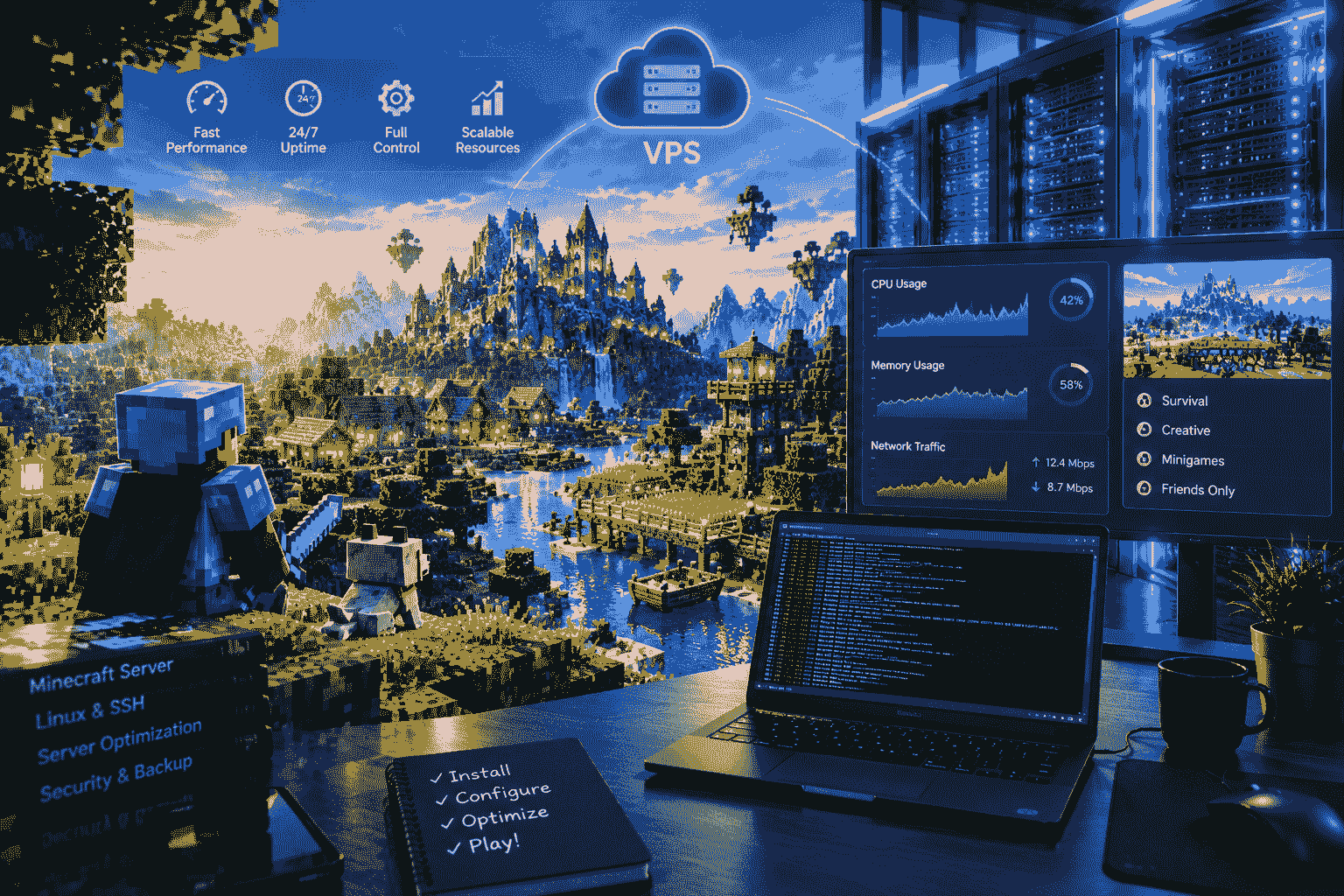
If you want to create a Minecraft server that is fast, reliable, and available to players 24/7, a VPS Minecraft server can be an excellent option. A Virtual Private Server gives you dedicated resources inside a virtualized hosting environment, allowing you to run Minecraft without depending on your personal computer.
Minecraft is among the most popular sandbox games across the world. Players can create cities, explore huge worlds, battle mobs, use plugins and mods, and play together with friends. Nevertheless, running a Minecraft multiplayer server from your personal computer at home might raise numerous issues such as high resource consumption, unreliable internet connections, port forwarding issues, and others.
However, a VPS could help to fix all of these problems, as you will get a server that works non-stop in a professional data center. Using the right VPS setup, you may run a survival server, a creative server, a modded server, a Minecraft Java Edition server, or even a network with several worlds.
This guide explains everything you need to know about VPS Minecraft, including how it works, why you may need one, how to choose the right VPS, installation requirements, performance considerations, security, backups, and optimization.
What Is VPS Minecraft Hosting?
VPS Minecraft hosting means using a Virtual Private Server to host a Minecraft multiplayer server.
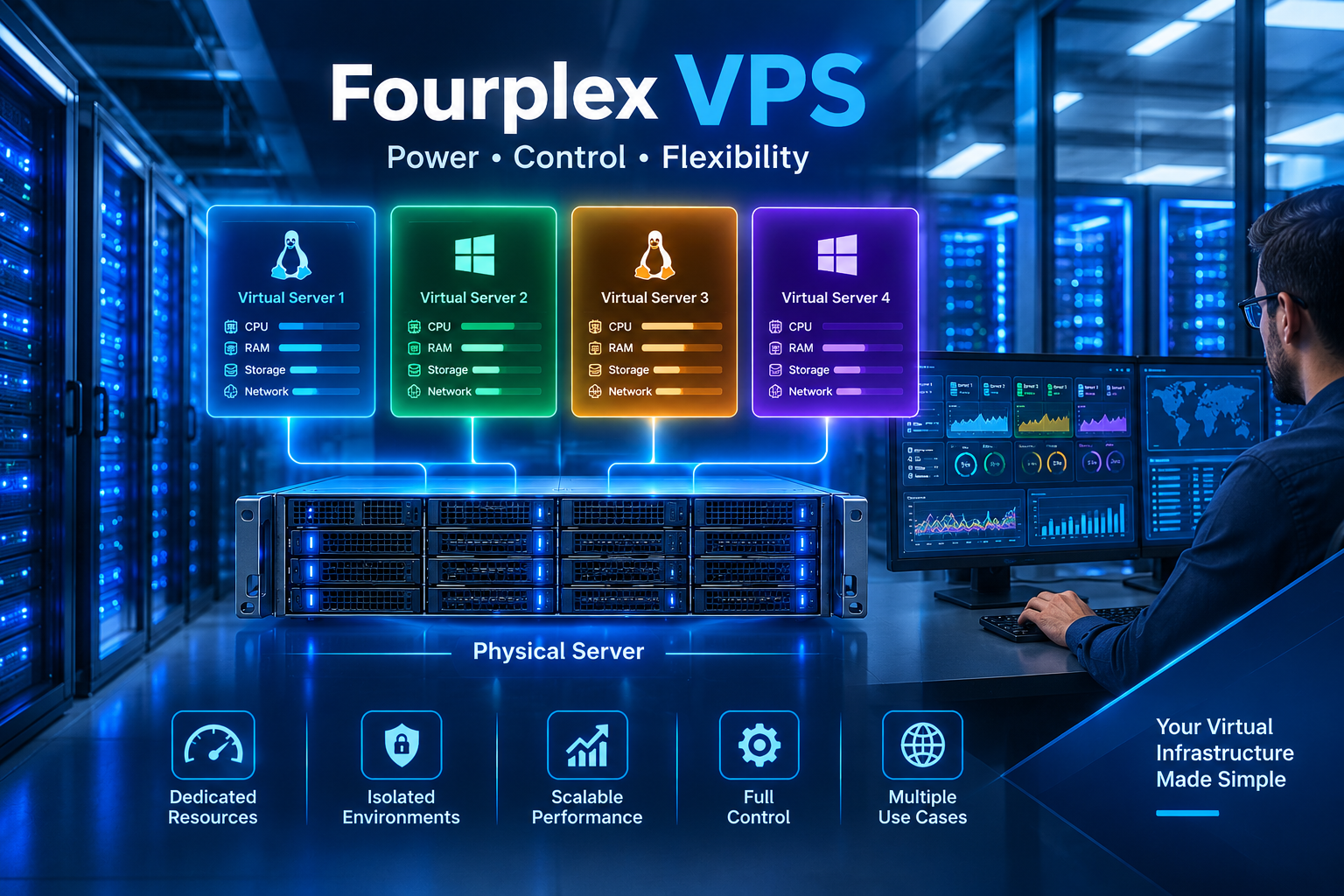
VPS stands for Virtual Private Server and is an isolated server created in a physical server environment. In other words, the physical server is partitioned into several different virtual environments. Each virtual private server gets its own set of allocated resources, including CPU, memory, storage, and network resources.
Rather than running the Minecraft application on your personal computer, you set up the Minecraft server software on the VPS. This way, players can connect to the server by its public IP or domain name.
This way, your Minecraft server stays online even when your personal computer is not in use.
Let us say that you want to host a survival server in Minecraft that can support 20 players. You can do that by setting up a Minecraft server on a VPS that has several CPU cores, 8 GB of RAM, and SSD/NVMe storage space. In this case, the VPS keeps working at the data center, while players log in from their personal computers.
How Does a VPS Minecraft Server Work?
A VPS Minecraft server works similarly to running Minecraft Server software on a dedicated computer.
The main difference is that the computer is located in a professional data center instead of your home.
The basic process looks like this:
- You purchase a VPS plan.
- You select an operating system, commonly Linux.
- You connect to the VPS using SSH.
- You install Java and Minecraft server software.
- You configure the Minecraft server.
- You start the server.
- Players connect using the server IP address.
- You manage the server remotely.
The VPS operating system continues running even when your own PC is offline.
This is one of the biggest advantages of VPS Minecraft hosting. You can close your laptop or shut down your desktop, and the Minecraft server can continue operating.
Why Use a VPS for Minecraft?
There are several reasons why a VPS can be useful for Minecraft hosting.
1. 24/7 Server Availability
Continuous availability is one of the greatest advantages.
When you use your home PC to run a Minecraft server, the server gets closed whenever your PC turns off. VPS is created to run constantly, allowing players to be able to connect to your Minecraft server at virtually all times.
This is especially useful for communities where players live in different time zones.
2. Better Control
With a VPS, you usually have root or administrator-level access.
This gives you more control over the operating system, Minecraft server files, Java configuration, plugins, mods, firewall settings, backups, and server processes.
You are not limited to the settings provided by a basic game-hosting control panel.
3. Dedicated Resources
In general, a virtual private server gives you allocated amounts of RAM, CPU, and disk space.
This makes the server more reliable compared to a shared hosting server.
The actual performance will depend on the quality of the VPS, but at least the resources are known, which makes choosing the right server easier.
4. Remote Management
You can manage your VPS Minecraft server remotely.
You can use an SSH client from your computer to access the server. Many VPS providers also offer web-based consoles and management panels.
This means you don’t need physical access to the machine.
5. Scalable Hosting
As your Minecraft community grows, you may need more resources.
For example, you could start with a smaller VPS and upgrade to a larger plan when you need additional RAM or CPU power.
This can be more convenient than purchasing a new physical computer.
Choosing the Right VPS for Minecraft
Picking out the right VPS is crucial when it comes to setting up a stable Minecraft server.
Minecraft servers are different when it comes to resource consumption. A small vanilla server for just a few friends would require much fewer resources than a large-scale modded server, where dozens of users can play.
There are many aspects that should be considered when comparing different VPS packages.
CPU Performance
Performance of a Minecraft Server Depends On CPU Performance.
The game does not always divide workloads for a server into many threads. Hence, having high CPU single-core/per core performance might play a key role.
A VPS with many weak cores is not always better than a VPS with fewer but faster cores.
In the case of a small-scale Minecraft server, an efficient modern CPU with decent per-core performance will work wonders.
RAM
RAM is yet another crucial component.
The required quantity of memory will depend on the version of Minecraft, number of players, world size, mods/plugins, and other configurations of the server.
The low-end vanilla server will work with less memory, while the modded one will require more of it.
As a general starting point:
- Small server: around 2–4 GB RAM
- Medium server: around 4–8 GB RAM
- Larger or modded server: 8 GB RAM or more
These are only general guidelines. Your actual requirements depend on your server setup.
SSD or NVMe Storage
Storage speed can affect world loading, chunk loading, backups, and other disk operations.
SSD storage is generally preferable to traditional HDD storage for Minecraft hosting.
NVMe storage can provide even faster storage performance, which may be useful for servers with frequent disk activity.

What Operating System Is Best for VPS Minecraft?
Linux is a good operating system for a VPS Minecraft server because of its lightness, flexibility, and support by many hosting companies.
Ubuntu is the preferred distribution among beginners because of its well-developed community and abundance of documentation.
However, other Linux OSes may also be used for a server, such as Debian and AlmaLinux.
For a beginner managing a VPS, Ubuntu could be a suitable option.
A typical VPS Minecraft installation may involve:
- Ubuntu Linux
- Java
- Minecraft server software
- SSH
- Firewall configuration
- Server startup scripts
- Backup tools
Windows Server can also be used, but Linux is often preferred when you want to minimize unnecessary resource usage and manage the server through the command line.
How to Install Minecraft on a VPS
Installing Minecraft Server software on a VPS is not necessarily difficult, but beginners should follow each step carefully.
The exact commands depend on the Minecraft version and server software you choose.
Step 1: Purchase a VPS
Start by selecting a VPS plan with enough RAM, CPU performance, storage, and network capacity for your expected player count.
Choose a data center location close to your primary player base whenever possible.
Step 2: Install Your Operating System
Ubuntu is a common choice.
After installing the operating system, you will receive information that allows you to connect to the server.
You normally connect through SSH using the VPS IP address.
Step 3: Update the Server
Before installing Minecraft software, update your operating system.
Keeping the operating system updated helps improve security and stability.
Step 4: Install Java
Minecraft Java Edition servers require a compatible Java version.
The correct Java version depends on the Minecraft version you are running, so always check the requirements for your selected server software.
Step 5: Download Minecraft Server Software
You may decide to either use the official Minecraft server software or other server software such as Paper.
Many administrators use Paper because of its optimization capabilities and plugin support.
Step 6: Accept the EULA
Minecraft server software requires you to review and accept the Minecraft End User License Agreement before running the server.
You should read the applicable license terms and comply with them.
Step 7: Start the Server
After configuring the server, start it using the appropriate Java command.
The first startup may generate several configuration files and directories.
You can then adjust settings such as:
- Server name
- Difficulty
- Game mode
- Player limit
- View distance
- Simulation distance
- PvP
- World settings
Step 8: Configure the Firewall
The firewall controls the network traffic that is allowed to access your VPS.
Only the necessary ports must be opened.
If you are running a Minecraft server, then the port for your Minecraft server must be one of those.
It is better not to open any unnecessary ports, as each new port means an additional security threat.
VPS Minecraft for Different Server Types
One advantage of VPS hosting is flexibility.
You can use the same basic VPS concept for different Minecraft server styles.
Survival Servers
Survival servers are among the most common Minecraft server types.
Players collect resources, build bases, explore worlds, and interact with other players.
A VPS can keep the survival world online continuously.
Creative Servers
Creative servers allow players to build large structures without the normal survival restrictions.
If your community focuses on building projects, a VPS can provide a stable environment for multiple players.
Modded Minecraft
Modded Minecraft can require more resources than vanilla Minecraft.
Large modpacks may require additional RAM and CPU performance.
Before selecting a VPS for modded Minecraft, check the recommended resources for the specific modpack.
Plugin-Based Servers
Plugins on servers can implement such functionality as economic systems, permissions, minigames, anti-cheats, teleports, and many other things.
Paper software may be helpful for creating a plugin-based Minecraft server.
On the other hand, having too many plugins on a server might lead to additional resource consumption and even conflicts.
VPS Minecraft Performance Optimization
Simply purchasing a powerful VPS does not guarantee perfect Minecraft performance.
Server configuration also matters.
Reduce View Distance
View distance determines how many chunks players can see around themselves.
Higher values can increase CPU and memory usage.
If your server is struggling, reducing view distance can be one possible optimization.
Use Performance-Friendly Server Software
Some server implementations are designed to improve performance.
Paper is widely used for Minecraft servers where plugins are required.
Always check compatibility before changing server software.
Remove Unnecessary Plugins
Every plugin adds functionality, but unnecessary plugins can consume resources.
Review your installed plugins regularly.
Remove plugins you no longer use.
Keep Software Updated
Minecraft, Java, plugins, and server software may receive updates.
Updates can provide bug fixes, security improvements, and performance changes.
However, always create a backup before major updates.
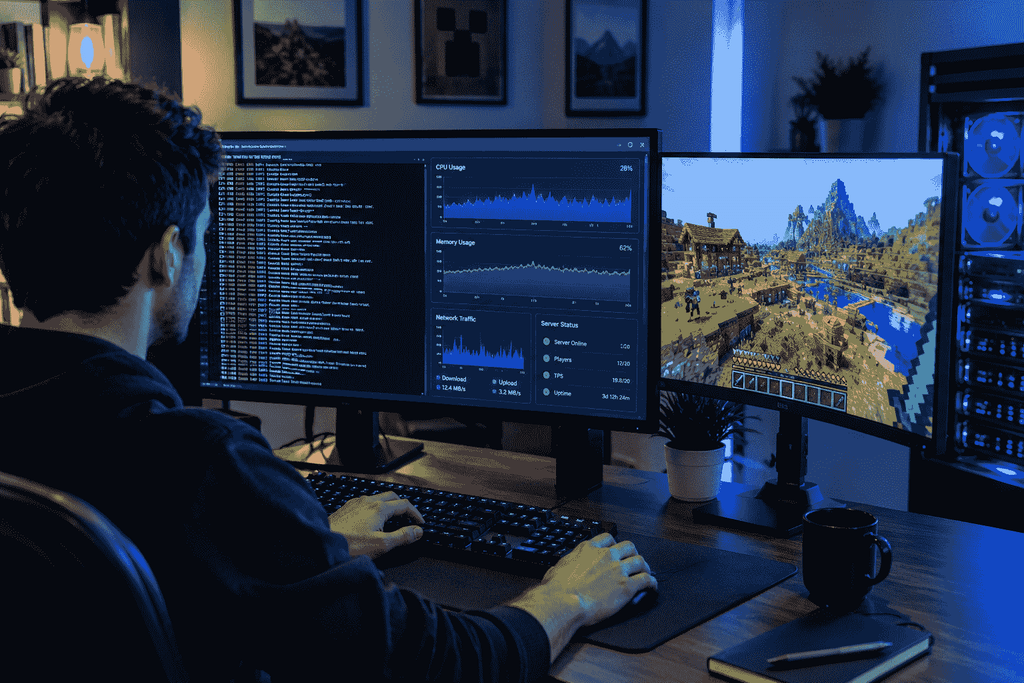
Monitor Server Resources
Tracking the usage of CPU, RAM, storage, and the network will help you to determine what is affecting performance.
If the usage of RAM is consistently high, you might need to improve the configuration of the server or increase RAM capacity.
If the CPU usage is high, check the plugins, view distance, activity in the world, etc.
How Much RAM Does a VPS Minecraft Server Need?
There is no single RAM requirement that works for every Minecraft server.
The required amount depends on several factors.
For example, consider:
- Number of players
- Minecraft version
- Number of worlds
- Plugins
- Mods
- Modpack size
- View distance
- Simulation distance
- Entity activity
- World generation
- Server configuration
Small-scale servers for a handful of friends can benefit from 2-4 GB of RAM.
Large community servers may need at least 8 GB of RAM.
For modded servers, it will depend on the mod pack.
But loading too much RAM is not always the answer to performance issues.
The performance of Minecraft also greatly depends on the CPU and server settings.
VPS Minecraft vs Shared Minecraft Hosting
Both VPS hosting and traditional Minecraft hosting have advantages.
Shared Minecraft hosting is often easier for beginners because the provider manages much of the technical infrastructure.
A VPS gives you more control.
Shared Minecraft Hosting
Advantages include:
- Easier setup
- Game-focused control panels
- Managed environment
- Simple server management
- Less Linux administration
The downside is that you may have fewer customization options.
VPS Minecraft Hosting
Advantages include:
- More control
- Root access
- Flexible software installation
- Custom configurations
- Ability to host additional applications
- Greater control over server resources
The downside is that you are responsible for more technical tasks.
If you want simplicity, managed Minecraft hosting may be easier.
If you want flexibility and technical control, a VPS can be a better option.
VPS Minecraft Security
Security should be a priority when running any internet-facing server.
Your VPS is connected to the internet, so you should take basic security precautions.
Use Strong Credentials
Use strong and unique passwords for your VPS account and administrative services.
If possible, use SSH keys instead of relying only on passwords.
Keep the Operating System Updated
Security updates can fix vulnerabilities.
Regularly update your operating system and server software.
Configure a Firewall
Only expose the ports that are actually required.
A properly configured firewall can reduce unnecessary network exposure.
Protect Your Minecraft Server
Use trusted plugins and server software.
Avoid downloading plugins from suspicious websites because malicious software can compromise your server.
Create Backups
A server can fail because of hardware problems, software errors, accidental deletion, corrupted worlds, or configuration mistakes.
Regular backups protect your Minecraft world.
For important servers, consider maintaining backups in a separate storage location rather than keeping every backup on the same VPS.
Minecraft Server Backups on VPS
Backups are extremely important.
Imagine spending months building a large Minecraft city and then losing the world because of a corrupted file.
A backup can help restore your world.
You can create scheduled backups of important files, including:
- World directories
- Server configuration files
- Plugin configuration
- Permissions
- Player data
- Important scripts
The backup frequency depends on how often your world changes.
A busy public server may benefit from more frequent backups than a small private server.
You should also periodically test your backups. A backup is only useful if it can actually be restored.
Using a Domain Name With VPS Minecraft
Instead of asking players to remember a long IP address, you can connect a domain or subdomain to your Minecraft server.
For example, you might use a subdomain such as:
play.example.com
Players can then use the domain when connecting to your server.
DNS configuration depends on your domain provider and server setup.
A domain can make your server easier to promote and remember, especially if you are building a public Minecraft community.
Can You Host Multiple Minecraft Servers on One VPS?
Yes, depending on the available resources and configuration.
A sufficiently powerful VPS can potentially host multiple Minecraft server instances.
For example, you could run:
- Survival server
- Creative server
- Minigame server
- Testing server
However, every additional server consumes resources.
You should monitor CPU, RAM, storage, and network usage before adding additional instances.
If several servers compete for the same limited resources, players may experience lag.
For a larger Minecraft network, multiple VPS instances or dedicated servers may eventually be more appropriate.
VPS Minecraft for Small Communities
VPS may be a great choice for a group of friends.
Let’s assume that you have 10–20 users willing to play together.
Rather than asking someone to keep his or her PC on, you may host the server on a VPS.
It stays active, and your friends can log in anytime they wish.
Such a choice may be beneficial not only for schools and gaming communities, but also for any private community and online club.
VPS Minecraft for Larger Communities
Larger communities have additional requirements.
A public server may need:
- Higher CPU performance
- More RAM
- Better network capacity
- DDoS protection
- Automated backups
- Monitoring
- Server optimization
- Moderation tools
- Anti-cheat systems
- Reliable uptime
At this level, choosing a VPS should involve more than simply looking at the RAM amount.
Network quality, CPU architecture, data center location, support, backup options, and DDoS protection can all become important.
Common VPS Minecraft Problems
Even with a good VPS, you may encounter problems.
Minecraft Server Is Lagging
Lag can be caused by insufficient CPU performance, insufficient memory, excessive entities, large numbers of players, plugins, mods, or inefficient settings.
Check your resource usage before upgrading.
Server Is Not Starting
Check the console output for error messages.
Common causes include incorrect Java versions, missing files, invalid configuration, incompatible plugins, or insufficient permissions.
Players Cannot Connect.
Check the server IP, port, firewall, and Minecraft version.
Make sure the Minecraft server process is actually running.
World Is Loading Slowly
Slow storage, excessive world generation, high player activity, or insufficient resources can contribute to slow loading.
SSD or NVMe storage can help with storage-related workloads.
How to Choose the Best VPS Minecraft Plan
Before purchasing a VPS, make a checklist.
First, estimate your expected number of players.
Then determine whether you will use vanilla Minecraft, plugins, mods, or a large modpack.
After that, compare VPS providers based on:
- CPU performance
- RAM
- SSD or NVMe storage
- Network speed
- Data center location
- DDoS protection
- Backup options
- Operating system choices
- Upgrade options
- Server management tools
- Customer support
Do not select a plan based only on the number of CPU cores.
Minecraft performance can depend strongly on the performance of individual CPU cores.
Similarly, more RAM does not automatically eliminate lag.
A balanced VPS configuration is usually more useful than one with a large amount of only one resource.
Tips for Running a Reliable VPS Minecraft Server
Follow these basic practices to improve reliability:
- Keep Minecraft server software updated.
- Keep your operating system updated.
- Create regular backups.
- Monitor CPU and RAM usage.
- Remove unnecessary plugins.
- Use trusted plugins and mods.
- Configure your firewall.
- Use strong administrator credentials.
- Choose a data center close to your players.
- Upgrade resources when your server consistently reaches its limits.
- Test backups regularly.
- Keep configuration files organized.
These simple practices can prevent many common problems.
Is VPS Minecraft Worth It?
VPS Hosting can be considered by many Minecraft gamers and Minecraft server owners.
The VPS is a good compromise between flexibility, control, and performance.
The VPS can be very useful if you want to keep your Minecraft server online all the time, but do not want to leave your own PC on.
It will also be helpful when you want root permissions and full freedom to customize the server environment.
But VPS hosting is more difficult to use compared to managed Minecraft hosting.
In the case of VPS hosting, you have to deal with Linux, SSH, firewalls, Java, server configuration, backups, and other technical issues.
For users who want greater control, VPS Minecraft hosting can provide a powerful and flexible solution.
Final Thoughts on VPS Minecraft
A VPS Minecraft server can provide a reliable environment for hosting Minecraft multiplayer worlds. Instead of running the server from your personal computer, you can use a virtual server located in a professional data center.
A good VPS could give sufficient CPU power, memory, storage space, and networking capability to run a Minecraft community.
When choosing a VPS for a Minecraft server, consider the number of players that are anticipated, the version of the game being played, any plugins or mods used, storage space, and potential future expansion.
A smaller-scale private Minecraft server may not require too many resources to run; however, larger-scale or heavily modded Minecraft communities would need more.
Optimizing performance will also play an essential role in improving the speed of a Minecraft server.
Security should not be ignored either. Keep your operating system updated, use strong credentials, configure a firewall, install trusted software, and maintain backups.
Ultimately, the best VPS Minecraft setup depends on your specific requirements. By choosing balanced resources and properly configuring the server, you can create a Minecraft environment that is available around the clock and ready for players whenever they want to join.
Frequently Asked Questions
What is VPS Minecraft?
VPS Minecraft refers to hosting a Minecraft server on a Virtual Private Server. The VPS provides computing resources and an internet connection that allow your Minecraft world to remain online continuously.
How much RAM does Minecraft need on a VPS?
A small Minecraft server may work with around 2–4 GB of RAM, while larger or modded servers may require 8 GB or more. The actual requirement depends on players, mods, plugins, worlds, and server settings.
Can I host Minecraft 24/7 on a VPS?
Yes. A VPS is designed to remain online continuously, so it can host a Minecraft server 24/7 as long as the VPS and server software are running properly.
Is Linux good for Minecraft VPS hosting?
Yes. Linux distributions such as Ubuntu and Debian are commonly used for VPS Minecraft servers because they are lightweight, flexible, and well supported.
Can I install Minecraft mods on a VPS?
Yes. You can install compatible Minecraft mods on a VPS, provided the server software and VPS resources support them.
Can a VPS host multiple Minecraft servers?
Yes, if the VPS has enough CPU, RAM, storage, and network capacity. Multiple server instances should be monitored carefully to prevent resource contention.
Is a VPS better than Minecraft shared hosting?
It depends on your needs. VPS hosting provides more control and customization, while managed Minecraft hosting is generally easier for beginners.
Do I need a powerful VPS for Minecraft?
Not always. A small private server may only need modest resources. Larger communities, modded servers, and plugin-heavy servers generally require more powerful VPS resources.
Can I use a domain name for my VPS Minecraft server?
Yes. You can configure a domain or subdomain to point toward your Minecraft server, making it easier for players to remember the server address.
Are backups necessary for VPS Minecraft?
Yes. Regular backups are strongly recommended because Minecraft worlds can be damaged or accidentally deleted. Backups allow you to restore important server data when problems occur.