






Imagine this: You’re watching your favourite cartoon in HD, your sister is playing Roblox with some friends, Mom is on a video call for work, and Dad’s backing up his photos on the cloud — all at the same time!
To watch all of this without freezing or buffering, you need a good home internet plan.
But there are so many options! Fast or slow? Cheap or expensive? Unlimited or with limits?
This Simple Guide Will Focus On(Everything Explained In Very Simple Words As A Class 8 Story) You’ll discover what to look for before choosing a plan. Let’s go!

Family Using Technology Stock Illustrations – 4,688 Family Using Technology Stock Illustrations, Vectors & Clipart – Dreamstime
Understanding Your Internet Needs
How do you use the internet?
Consider what your family does daily:
• Streaming cartoons or YouTube in HD or 4K (note that this requires more speed)
• Play online games (require super fast response)
• Online classes / Zoom calls with teacher (needs a clear picture, no delay)
• Smart lights, cameras, or Alexa listening to music
If you do lots of these together, you need a strong internet connection!
How many devices are in your house?
Count them: phones, laptops, tablets, smart TV, gaming console, even a fridge that talks to the internet!
• 1–2 people = small plan is okay
• 4–6 devices at once = you need at least 100 Mbps (that’s like a fast scooter speed)
How often and what type?
• Just checking homework and WhatsApp? Light use.
• Downloading big games or making YouTube videos? Heavy use (needs good upload speed too).

Kids Using Phones, Tablet and Laptops for Online Games and Study, Friends Sitting on Couch Stock Vector – Illustration of computer, smartphone: 252230565
Types of Internet Connections
Fibre-Optic Internet
It uses thin glass wires that send internet with light flashes – super fast like magic!
Good for big families and smart homes. Same speed for upload and download.

The Beginners Guide to Fibre Optics: 13 Steps (with Pictures) – Instructables
Cable Internet
Comes through the same thick black cable as your TV cartoons.
Fast for watching and gaming, but cit an slow down when all neighbours use it in the evening.

Coax Cable Stock Illustrations – 146 Coax Cable Stock Illustrations, Vectors & Clipart – Dreamstime
DSL Internet
Uses old telephone wires.
Cheapest and available almost everywhere, but slow like a bicycle – not great for many videos.
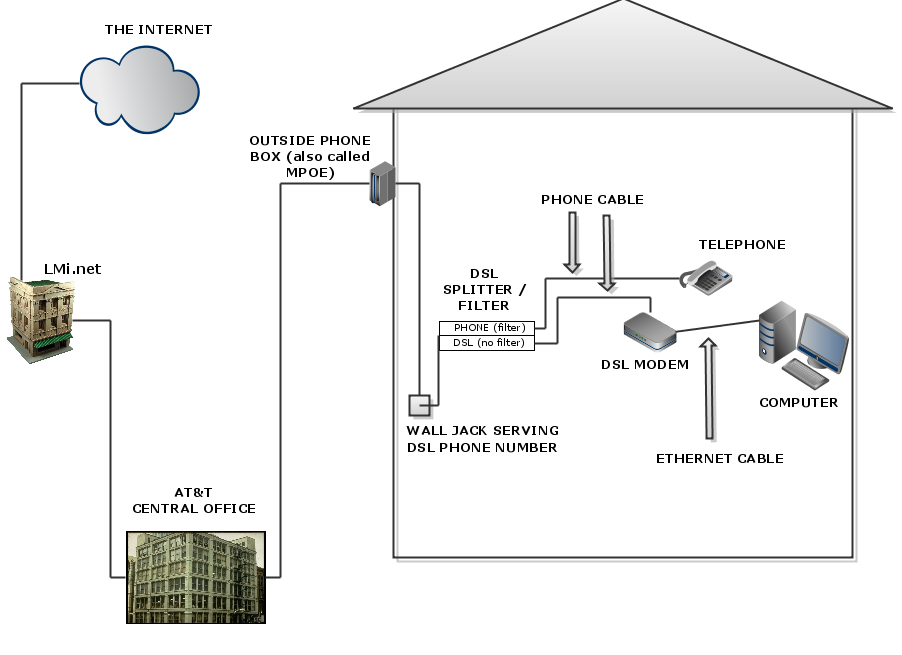
What Is Digital Subscriber Line (DSL)? — Techslang
Satellite Internet
A dish on your roof talks to a satellite in space!
Works even in villages with no wires, but slow delay and rain can stop it.
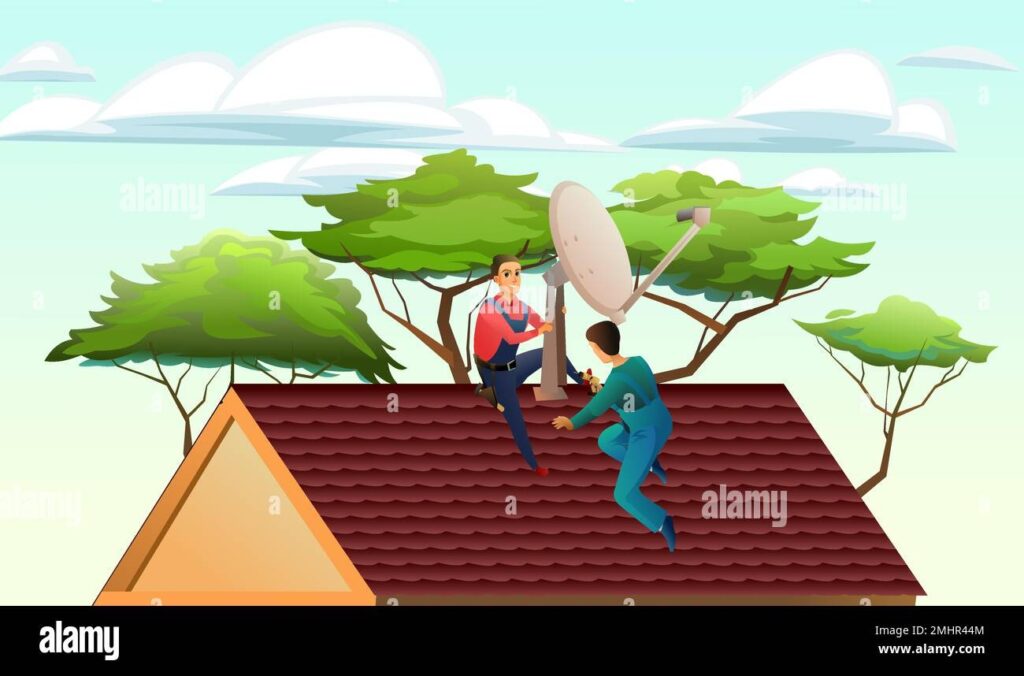
Antenna on the roof Stock Vector Images – Alamy
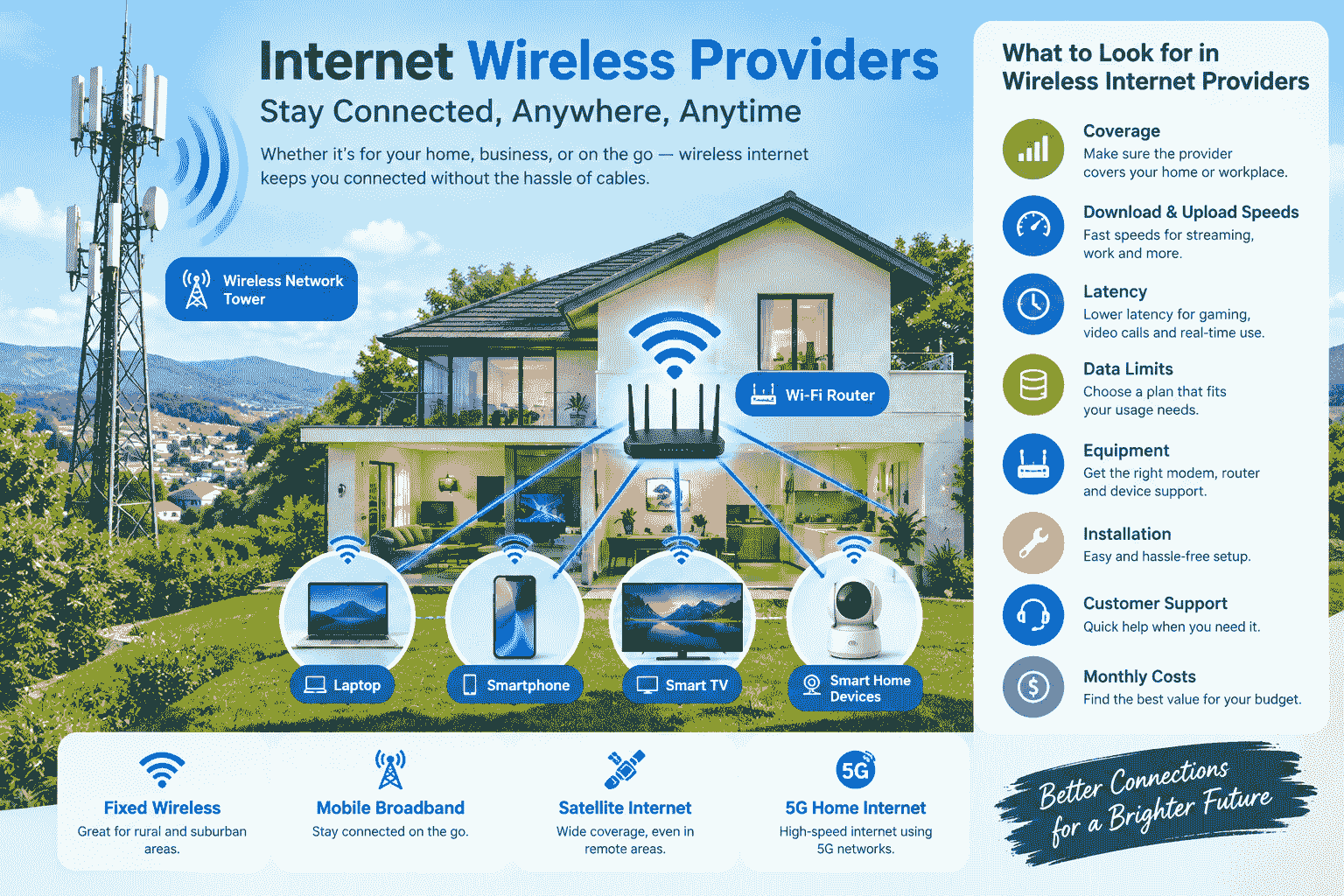
Fixed Wireless & 5G Home Internet
Comes from a tall tower using radio waves (no wires to your house).
Good speed in towns and villages where cables are not yet there.
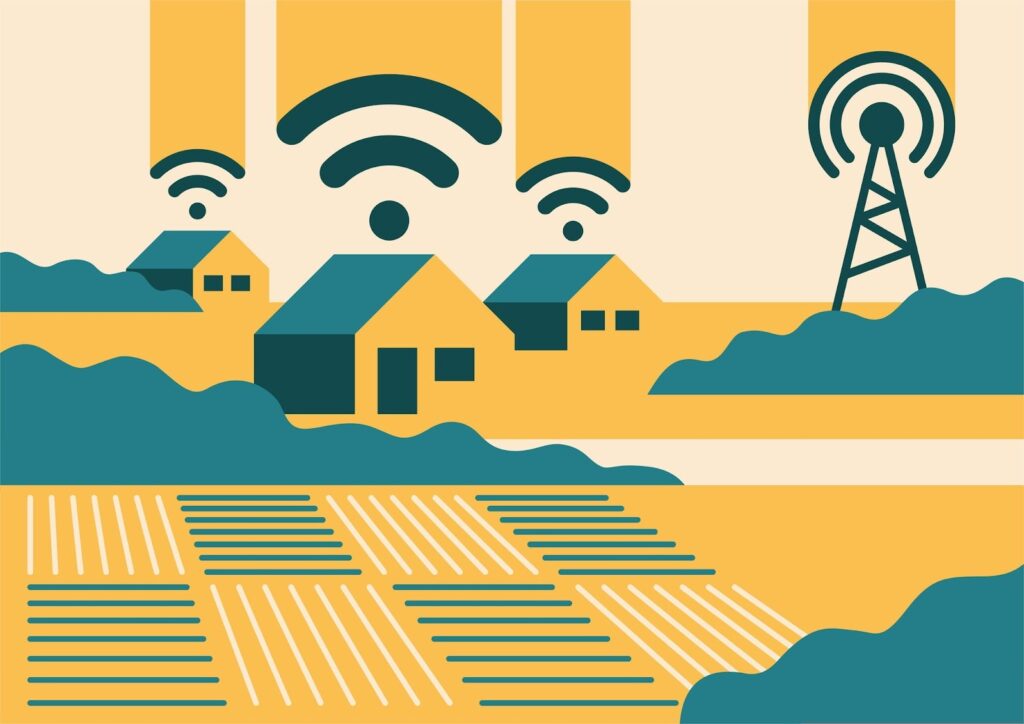
What Is Fixed Wireless Internet? An Introductory Guide
Speed Requirements – How Fast Do You Need?
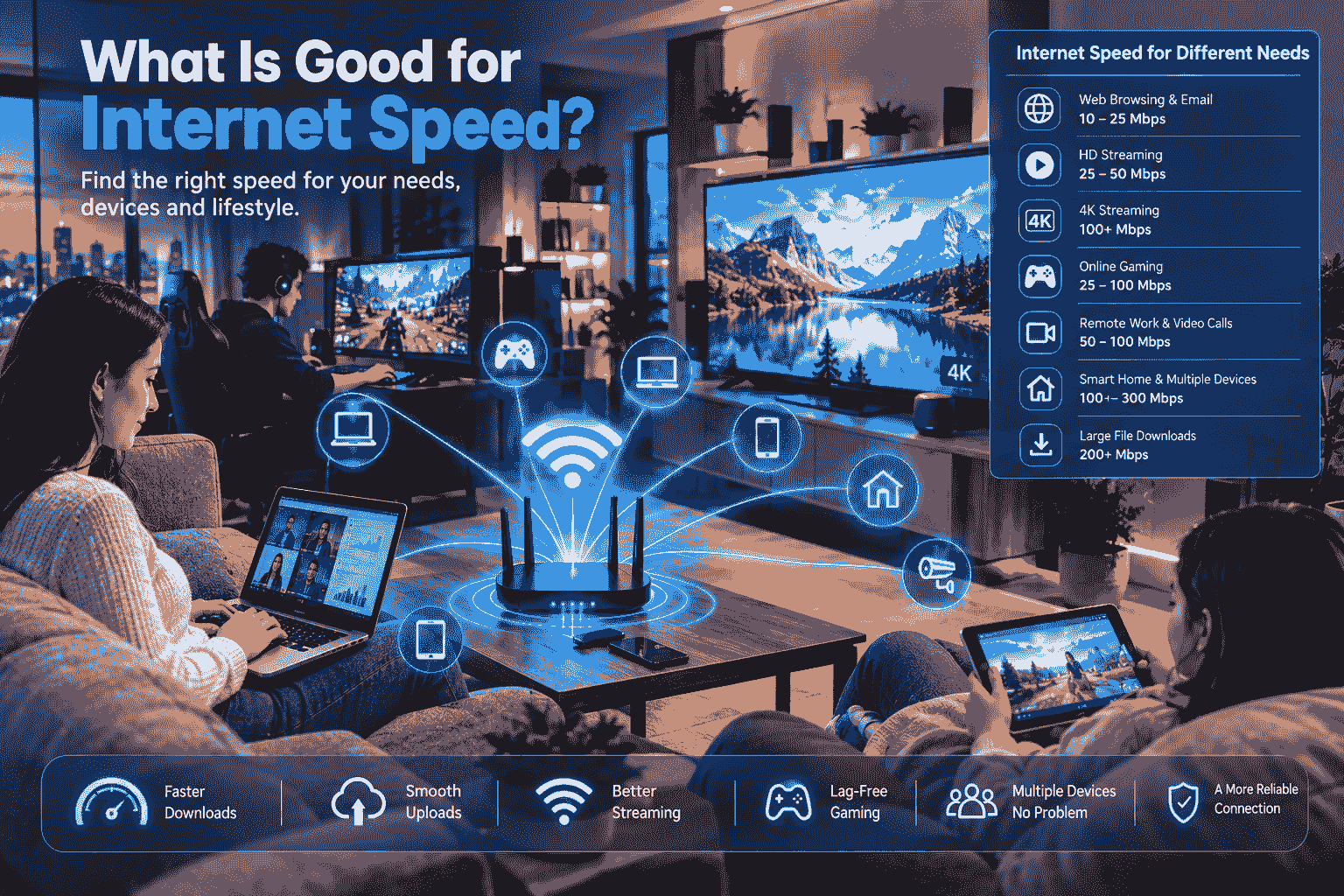
Speed is measured in Mbps (imagine “how many packets of data come every second”).
Simple chart for you:
• Email or Google browses: 1–5 Mbps
• One HD cartoon: 5–10 Mbps
• 4K video: 25 Mbps per device
• Online game or video call — 10–50 Mbps
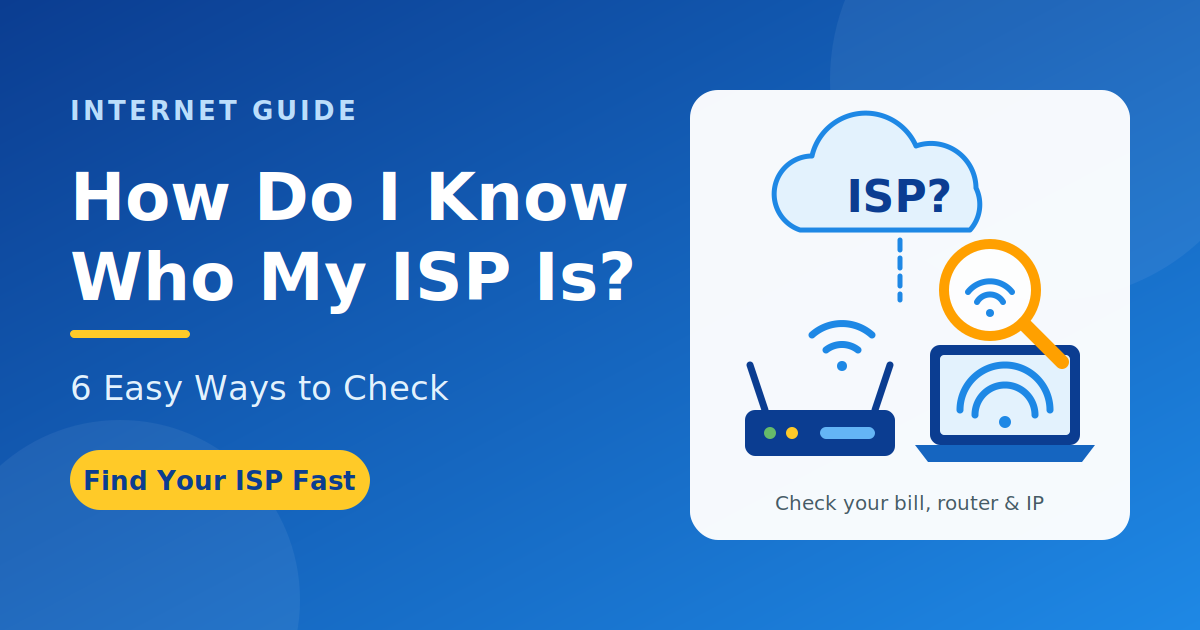
Use free websites like Fast. at Speedtest. Ookla Speedtest on your phone. It also displays your actual speed after 10 seconds.
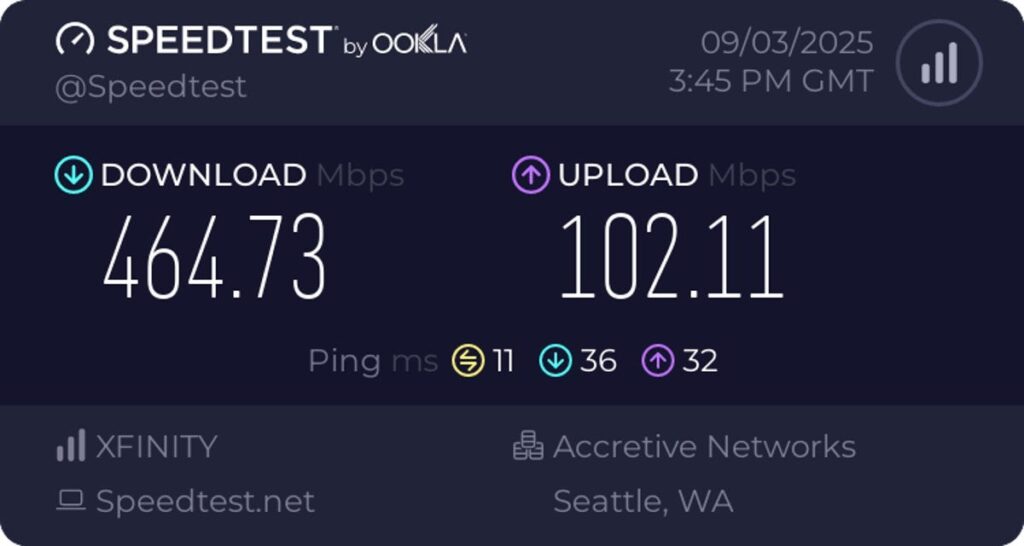
Is Your Internet Connection Delivering on the Speeds You Pay For? Here’s How to Tell – CNET
Reliability and Latency (No More Waiting!)
Reliability = Does the internet suddenly stop?
Fibre rarely stops. Satellite stops in heavy rain.
Latency (Ping) = How quickly your click gets to the game.
Low latency = you fire, and it connects immediately (great for Fortnite!).
Low latency = you seeand lose the game.
Fiber has the lowest latency. DSL has higher.
Data Caps and Limits
Latency (Ping) = How quickly your click gets to the game.
Low latency = you fire, and it connects immediately (great for Fortnite!).
Low latency = you seeand lose the game.
Fibre has the lowest latency. DSL has higher.
How much data do you use?
One hour of HD video = about 3 GB.
4K video = 7 GB per hour.
Many smart cameras and cloud backups eat data too!
Heavy family = choose the Unlimited plan.
Pricing and Budget
• DSL: Cheapest ($20–50 per month)
• Cable: Medium ($40–100)
• Fibre: $50–150 (but worth it for speed)
• Satellite: Expensive if you use a lot
Look for:
• Installation fee (sometimes free in offer)
• Modem/router rent (better to buy your own after some time)
• Bundle with TV or phone = save money
Contract and Rules
• Month-to-month = you can change anytime (but sometimes costlier)
• 1 or 2 year contract = cheaper monthly, but if you cancel early, big penalty fee!
Always read the small print or ask the company: “What if we move?”
Customer Support
What if the internet stops at night?
Choose a company that has 24/7 chat or phone help.
Check Google reviews or ask neighbours: “How is their service when something breaks?”
Extra Important Things
Security: A good plan gives a firewall and parental control (so you don’t open bad sites).
Wi-Fi Router: A new Wi-Fi 6 router is better for many devices.
Future-Proof: In 2–3 years, you will have more gadgets. Fibre or 5G will still be fast.
Router tip: Keep it in the middle of the house, high up, not behind TV or in cupboard!
7 ways to improve the Wi-Fi connection at home – Home & Decor Singapore | Home & Decor Singapore
Quick Comparison Table
| Feature | Fiber | Cable | DSL | Satellite | Fixed Wireless |
| Speed | Super fast | Fast | Slow | Medium | Good |
| Reliability | Best | Good | Okay | Weather bad | Good |
| Latency | Very low | Medium | Higher | High | Medium |
| Price | Higher | Medium | Cheapest | Expensive | Medium |
| Best Place | Cities | Towns | Everywhere | Villages | Suburban/Village |
Easy Tips to Choose the Right Plan
- Sit with parents and make a list: How many devices? What do we do most?
- Check which types reach your address (go to provider websites and put your pin code).
- Test your current speed today.
- Compare 3–4 companies side by side.
- Ask about current offers – sometimes the first 3 months are half price!
- For gamers or 4K lovers: Choose Fibre or Cable.
- Saving money and light use: DSL is fine.
- Village home: Satellite or Fixed Wireless.
Real stories
• City gamer boy Rihan: Fiber – no lag in Free Fire!
• Village student Priya: Fixed Wireless – does online classes smoothly.
• Small family with one TV: DSL – saves money, enough for homework.
FAQs (Questions Kids Ask)
Q: Do I need Fiber if I only watch cartoons?
A: No! Cable or good DSL is enough and cheaper.
Q: What is the difference between “advertised” and “real” speed?
A: Advertised is “up to 100 Mbps”. Real speed may be less in the evening. Always test!
Q: Can I change the plan later?
A: Yes, but check if there is any fee. Month-to-month plans are easiest.
- Count all devices that use Wi-Fi.
- Note what you do at 8 PM (peak time).
- Ask parents monthly bill of current internet.
- Search “internet providers near me” and compare.
Step-by-step to check your home
Conclusion
Internet is just like choosing a bicycle, you want the one that works fast enough and does not cost too much – THE ONE THAT WORKS EVERY DAY!
First, know your needs and see what gets to your house, see the price and rules, and choose the one that works best for your family.”
If available, fibre is the superhero.
Cable is a good all-rounder.
For light use, DSL is the pocket-money hero.
Chat with your parents now, speed test now and compare plans to get internet that makes studies + games + family fun super smooth – no more sadness of “buffering”!”
Happy internet hunting! 🌐
You are now a smart browser internet!