Introduction
If you enjoy playing ARK: Survival Evolved with friends, you may have come across the term non-dedicated server. But what are non dedicated servers ark, and how are they different from dedicated servers? Understanding these options can help you choose the best way to enjoy multiplayer survival gameplay without spending money unnecessarily.
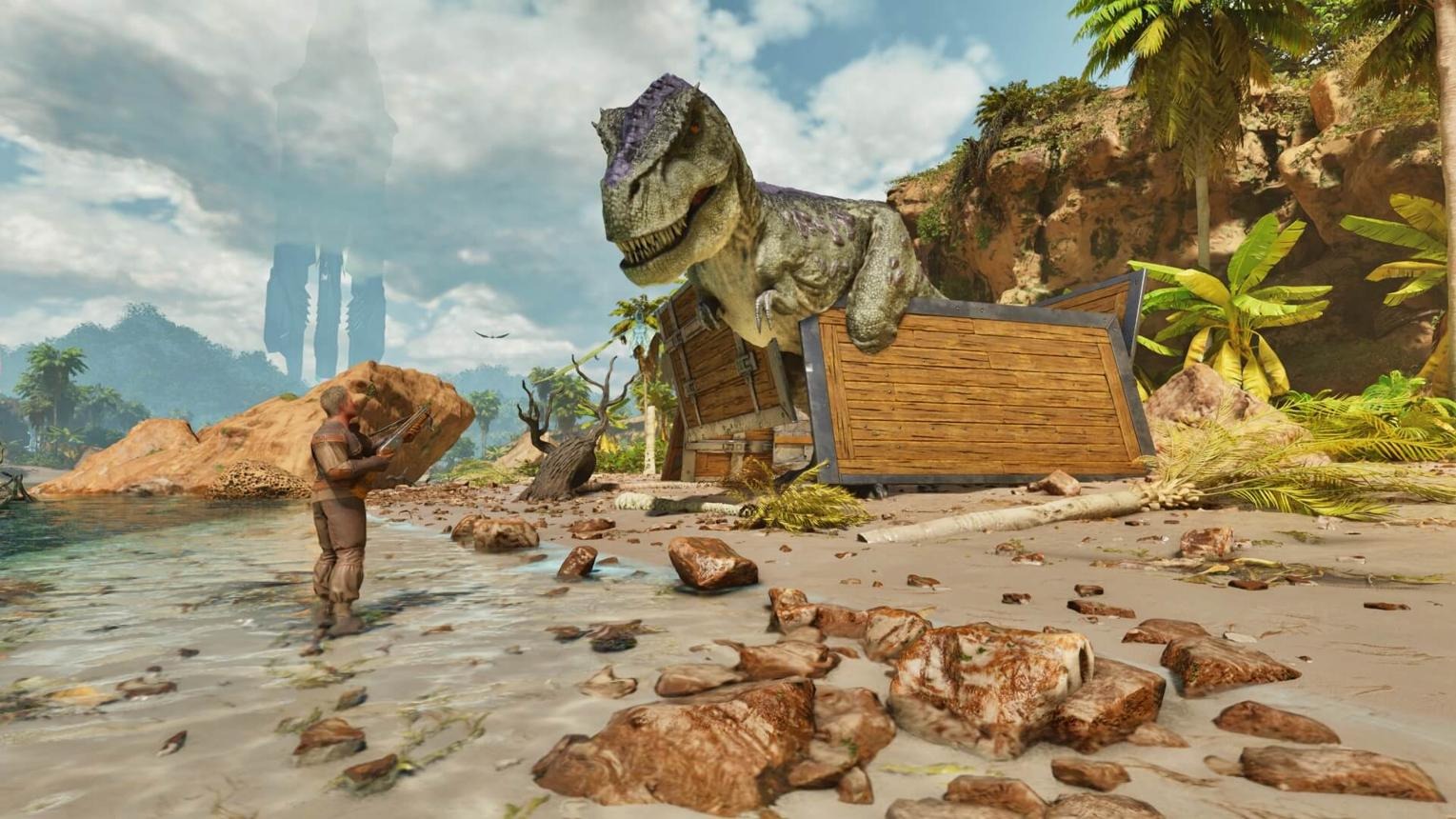
ARK: Survival Evolved is a survival adventure game in which players experience exploration of dangerous environments, collect resources, construct shelters, domesticate dinosaurs, and cooperate or compete with other survivors. In multi-player games, such activities are even more fun because you can share your adventure with friends.
But configuring the multiplayer game can be quite tricky, especially for a beginner, as you may have some doubts about whether you should buy a server, pay for hosting, or configure your network settings.
Fortunately, using a non-dedicated server can be a rather straightforward way to play with friends. Instead of having a dedicated server machine, one of the players’ computers will run both the game and the multiplayer at once.
In this article, we will explain what a non-dedicated server is, how to configure it, its pros and cons, as well as when to use a dedicated server.
ARK Multiplayer Survival Adventure
A non-dedicated server in ARK: Survival Evolved is when a multiplayer experience is held directly from a gaming device of the host. As the host plays the game, his/her computer/console hosts the game world for all the other players who are connected.
In contrast to a dedicated server, which operates independently from the player’s gameplay experience, a non-dedicated server is the simultaneous hosting and playing in one.
Consider, for example, you and your three friends decide to go exploring the island, gather resources, construct a base, and tame some dinosaurs together. You would not need to rent a server; rather, create a non-dedicated session and invite your friends to join.
Your device hosts the world while you are playing, and your friends join that session and play as well.
This way is very convenient for casual players who want to have a multiplayer experience without the cost of a separate server hosting.
How Does a Non-Dedicated Server Differ From Single-Player Mode?
In single-player mode, the world has been created with only one player in mind. This means that the exploration, development, and survival of the character take place without other players connecting to the game in multiplayer mode.
On a non-dedicated server, however, other players can connect to the game and join the world created by the host. These players will be able to work together building, exploring the maps, fighting dinosaurs, collecting materials, and surviving.
The main difference is that the world is hosted by the player himself.
Is a Non-Dedicated Server Free?
Hosting a non-dedicated game typically doesn’t involve additional costs for server leasing. In such a case, you simply use your current gaming console and installation of the game itself.
Nevertheless, one still needs to have a suitable copy of the game, the right device, and Internet access for playing it online. There may be additional platform specifications, subscription fees, and multiplayer conditions.
This is why non-dedicated hosting looks like a great solution for cost-conscious gamers.
How Do Non-Dedicated Servers Work in ARK?
Understanding the basic hosting process makes it easier to decide whether this option suits your gaming setup.
When you create a non-dedicated session, your computer or console performs two jobs. It runs your own gameplay and manages the multiplayer world that other players join.
Here is how the process works.
- The host starts the session. You open ARK and choose the appropriate non-dedicated hosting option available on your platform.
- The host configures the game. You select settings such as the map, difficulty, player limit, and other available gameplay options.
- Friends join the session. Depending on the platform, they can join through an invitation or the available multiplayer interface.
- Everyone plays in the same world. Players can collect materials, construct buildings, tame creatures, and explore together.
- The host keeps the session running. The world normally remains available while the host is playing and the session is active.
The main limitation is that the session depends on the host’s device. If the host leaves the game or shuts down the session, other players generally cannot continue playing in that world until the host starts it again.
What Is the Tether Distance in ARK?
One of the key aspects of understanding non-dedicated servers is the tether distance.
With respect to tether distance in the versions and setups of ARK, the tethering distance restricts the maximum distance a player can move away from the host. Should your friend venture too far from the host, the tether may limit movement farther from the host, or pull them back to the host.
These can differ based on the platform used, the game version, and the server setup.
For instance, assume that you are wandering through the forest while your friend would like to wander to the mountain on the other side of the map. If the distance between the two of you is beyond the acceptable limit, then your friend may not be able to explore this area on his own.
This could prove challenging compared to a dedicated server.
Does the Host Need a Powerful Computer?
Nevertheless, your hosting device must have sufficient capabilities for performing both of them. Therefore, you need to take into account all factors, such as the version of the game, maps, graphic settings, number of players, and many others.
If your device cannot handle ARK successfully, it will be much harder for it to handle other players.
In order to give yourself the most comfortable experience, make sure you close all programs that you do not need, have enough available RAM, set appropriate graphics, and, of course, cool your device.
A stable connection to the internet is equally crucial since you will need to interact with connected players during the game.
Key Features of Non-Dedicated Servers
Non-dedicated hosting provides several useful features for casual multiplayer gaming.
1. No Separate Server Rental Required
The host can create a session using their existing gaming device. This eliminates the need to purchase a separate server hosting plan solely to play with friends.
Although there may be platform-related costs, you can generally avoid an additional recurring server rental expense.
2. Simple Multiplayer Setup
Non-dedicated hosting is usually easier to start than configuring a separate dedicated server. Players can use the available in-game menus and invitation features rather than managing an entirely separate server installation.
This is especially helpful for beginners who have never managed multiplayer infrastructure.
3. Shared Survival Progress
Players can work together to collect resources, build shelters, prepare equipment, and tame dinosaurs. Cooperation can make difficult survival tasks more manageable.
For example, one player can gather wood while another collects stone and a third searches for food. Together, the group can build a stronger base faster than one player working alone.
4. Flexible Gameplay Settings
Depending on the version and platform, hosts may be able to adjust different gameplay settings before starting a session. These can include difficulty, harvesting rates, taming speed, and other available world options.
Changing these settings can help create a more relaxed experience for beginners or a more challenging environment for experienced players.
5. A Good Option for Small Groups
Non-dedicated servers are particularly suitable for friends who want to play together occasionally. You do not necessarily need to maintain a large public community or keep the world online throughout the day.
If your group normally plays at the same time, this hosting method can be practical and affordable
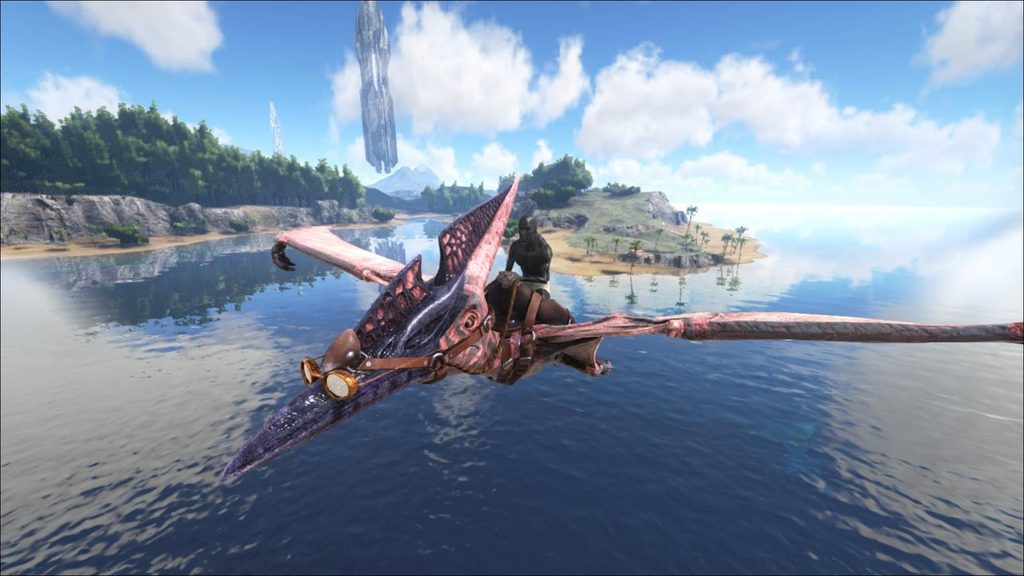
How to Set Up a Non-Dedicated Server in ARK
If you want to host your first session, follow these general steps. The exact menu names may differ between ARK: Survival Evolved, ARK: Survival Ascended, and individual platforms.
Step 1: Launch ARK
Open the game on your computer or supported console.
Make sure the game is updated and that your device meets its basic requirements. If you intend to play with friends, check that you are using compatible game versions and platforms.
Step 2: Find the Non-Dedicated Hosting Option
Look for the option to host or create a non-dedicated session in the game’s menu.
On versions that support this feature, the relevant menu may appear under a local or host-related section. The interface can vary, so do not worry if the wording differs slightly.
Select the appropriate option to begin configuring your session.
Step 3: Choose Your Map
Select the map you want to explore.
Different maps provide different environments, resources, creatures, and challenges. Beginners may prefer a map that feels comfortable to navigate and offers access to essential survival resources.
If you and your friends already have a preferred map, make sure everyone has access to the required content.
Step 4: Configure the Settings
Review the available settings before starting the session.
You may be able to configure:
- Maximum player count.
- Difficulty and creature levels.
- Resource gathering rates.
- Taming speed.
- Experience gain.
- Other supported gameplay settings.
Start with moderate settings if you are new to hosting. You can experiment later once you understand how each option affects the game.
Step 5: Start the Session
After selecting your settings, start the non-dedicated game.
The game will load the selected world and begin running the session on your device. Depending on your hardware and the map, loading may take some time.
Step 6: Invite Your Friends
Use the invitation system or the multiplayer joining method supported by your platform.
If your friends cannot connect, verify that the session is active, the game versions are compatible, and the host’s network is functioning properly.
Some connection problems may require checking platform privacy settings, firewall rules, or supported network configuration.
Step 7: Test the Connection
Before starting a long adventure, ask your friends to join and play for a few minutes.
Try moving around, gathering resources, and interacting with the environment. This helps you identify performance or connection problems before your group spends hours building a base.
Once everything works properly, you can begin your survival adventure.
Non-Dedicated Server vs Dedicated Server in ARK
Although both options support multiplayer gameplay, they serve different purposes.
| Feature | Non-dedicated server | Dedicated server |
| Hosting method | Runs alongside the host’s gameplay | Runs as a separate server process or service |
| Separate hosting cost | Usually not required | May require hardware, electricity, or rental fees |
| Host must stay online | Normally yes | No, if the server is independently running |
| Tether distance | May apply | No host-player tether in the usual dedicated setup |
| Performance | Shares resources with the host’s game | Can use dedicated resources |
| Setup difficulty | Generally easier | Usually requires more configuration |
| Best for | Small groups and casual play | Communities and longer-running worlds |
| World availability | Depends on the host’s session | Can remain online independently |
A dedicated server is not automatically lag-free. Its performance depends on hardware, network quality, configuration, and the number of connected players. However, separating server hosting from a player’s game can provide a more flexible multiplayer experience.
Which Option Is Better for Beginners?
A non-dedicated server is often the easiest starting point if you only want to play with a few friends.
You can create a session, invite your group, and begin playing without learning advanced server administration.
A dedicated server becomes more attractive when your friends have different schedules, want to explore independently, or expect the world to remain available while the host is offline.
Advantages of Non-Dedicated Servers in ARK
Non-dedicated servers offer several benefits that make them popular among casual players.
Affordable Multiplayer Gaming
The biggest advantage is avoiding the need for a separate server rental plan. If you already own the game and a suitable device, you can often start hosting without additional hosting expenses.
This is useful for students, beginners, and groups that do not want to spend money on a private server.
Easy to Manage
You do not need to become a server administrator to enjoy a basic non-dedicated session. Most of the setup happens through the game’s available interface.
That simplicity allows players to focus on gameplay instead of learning complex configuration procedures.
Great for Playing With Friends
Small groups can coordinate survival activities, defend bases, tame dinosaurs, and explore the world together.
Playing with friends can also make challenging encounters more enjoyable because everyone can contribute different skills and resources.
Control Over Your Session
The host can manage the session and, where supported, adjust the available gameplay settings. You can create a world that fits your group’s preferences instead of joining a public server with rules you may not like.
No Separate Server Machine Needed
A dedicated server may require another computer or a paid hosting service. Non-dedicated hosting uses the device you are already playing on, reducing the amount of equipment required.
Disadvantages of Non-Dedicated Servers
Despite their benefits, non-dedicated sessions have limitations you should understand before choosing this setup.
1. The Host Must Be Available
Because the session runs on the host’s device, other players generally cannot continue using the world when the host closes the game.
If you are the host and need to leave, your friends may have to stop playing as well. This can be inconvenient when group members want to play at different times.
2. Tether Distance Can Restrict Exploration
The tether mechanic can limit how far players move from the host in supported configurations.
ARK is built around exploration across large environments, so this restriction may interfere with activities that require players to separate.
3. Performance Can Be Lower
Your device is responsible for running your own gameplay and managing the multiplayer world.
If the hardware is underpowered or the settings are too demanding, you and your friends may experience stuttering, slower loading, or other performance issues.
4. Connection Problems Affect Everyone
If the host has an unstable internet connection, other players may experience lag or disconnect from the session.
A poor connection can make combat, movement, and cooperative tasks less enjoyable.
5. Limited Suitability for Large Communities
Non-dedicated hosting is usually designed for smaller multiplayer sessions rather than large, always-online communities.
If you want many players, independent exploration, extensive server management, or a world that remains available around the clock, a dedicated server is generally a better option.
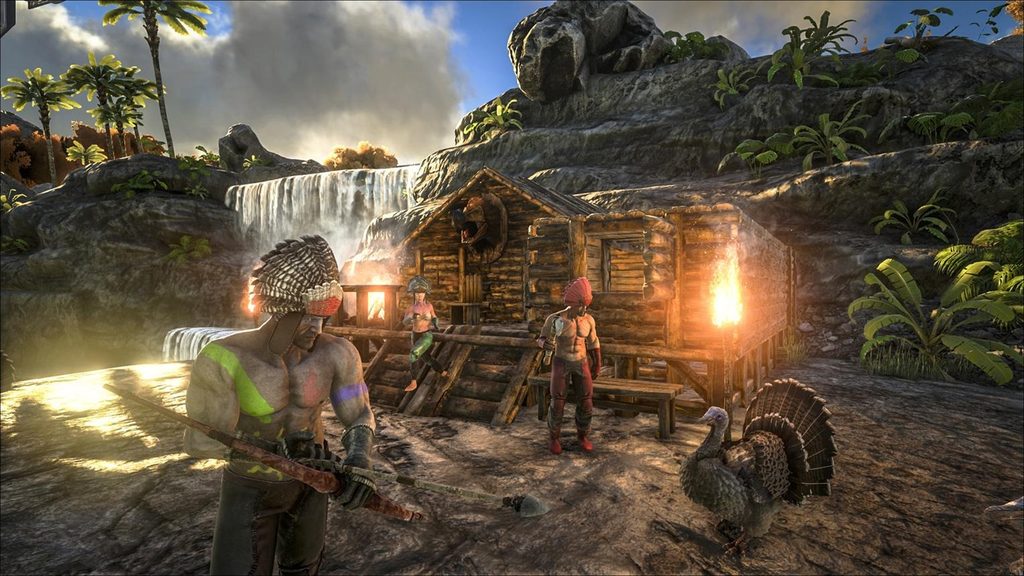
Image 3: Friends Building a Base in ARK
How to Improve Performance on a Non-Dedicated Server
You do not always need expensive hardware to improve your multiplayer experience. A few practical adjustments may help your session run more smoothly.
Close Unnecessary Programs
Before hosting, close applications that consume large amounts of memory or processing power. Browsers with many open tabs, video editing software, and background downloads can compete with the game for resources.
Use a Stable Internet Connection
If possible, connect your computer to the router using an Ethernet cable. A wired connection can reduce wireless interference and improve connection stability.
If you use Wi-Fi, stay within a reasonable distance of your router and avoid heavy downloads while hosting.
Adjust Graphics Settings
Lowering demanding graphics options can help if your computer struggles to maintain smooth gameplay. Start by reducing settings that place a heavy load on your hardware, then test the game before making additional changes.
Avoid Hosting More Players Than Necessary
The number of connected players and the complexity of the world can affect performance. Start with a small group and increase the player count only if your device handles the session comfortably.
Keep Your Game Updated
Game updates can address bugs, compatibility issues, and other problems. Make sure you and your friends use compatible versions before attempting to join the same session.
Troubleshooting Common Non-Dedicated Server Problems
However, even in a simple hosting configuration, various complications may arise. Here is a list of frequent problems and their solutions.
Problem: Friends cannot join the session.
Verify whether the session is properly initiated by the host and whether friends’ invitations are properly sent via a compatible method. Verify compatibility of game versions, platforms, and multiplayer permissions.
Problem: Friends frequently disconnect.
Make sure the connection is working properly, and check if other applications consume too much network resources. Restarting the game and the router may solve temporary network glitches.
Problem: The game slows down once friends join.
Decrease the graphic quality, disable other programs running on the computer, and verify whether your computer meets the game requirements. Consider if a dedicated server is needed for your friends’ group if the performance is still bad.
Problem: Friends are unable to move away from the host too much.
Check the tethering settings and see which options you have on your game version and platform. If independent exploring is important for your group, then perhaps a dedicated server will suit you better.
Problem: No progress is recorded.
Verify whether the session has been saved properly and whether the right world.
Are Non-Dedicated Servers Safe to Use?
Having a private game hosted by your close friends can be considered a safe choice for multiplayer gaming. However, you still need to take account and network security measures into account.
Invite only the people you know and utilize privacy settings provided by your game platform; do not download unknown files promising improvements in your server performance.
In addition, be careful when modifying configuration files or applying any modifications to your game. Check that the modification is suitable for your game version and that the source is reliable.
Standard hosting in games will be a proper choice for most casual gamers.
Who Should Use a Non-Dedicated Server?
A non-dedicated server is a good fit for players who:
- Want to play ARK with a few friends.
- Prefer not to pay for separate server hosting.
- Are comfortable playing when the host is available.
- Do not mind possible tether restrictions.
- Want a straightforward introduction to multiplayer survival gaming.
On the other hand, consider a dedicated server if you run a community, need the world online at different times, want players to explore independently, or require more control over server administration.
There is no single best hosting method for every player. Your decision should depend on your budget, hardware, schedule, and preferred gameplay experience.
Frequently Asked Questions
1. What are non-dedicated servers in ARK in simple terms?
Non-dedicated servers in ARK are multiplayer sessions hosted by a player using the same device they use to play. Friends can join the host’s world without the group necessarily renting a separate server.
2. Are non-dedicated servers free in ARK?
Hosting generally does not require a separate server rental fee. However, you still need the game, compatible hardware, an internet connection for online play, and any applicable platform subscriptions or services.
3. Can friends play on a non-dedicated server without the host?
Generally, no. The host’s game session must be running for other players to join and continue playing in that world. A separately running dedicated server is better for independent access.
4. What is the tether distance in ARK?
Tether distance is a restriction in supported non-dedicated configurations that limits how far connected players can travel from the host. Its behavior and available settings vary by game version and platform.
5. Can you save progress on a non-dedicated server?
Yes, supported non-dedicated sessions can save world progress. The exact save process depends on the game version and platform. It is wise to verify that your world is saved before exiting.
6. Is a dedicated server better than a non-dedicated server?
A dedicated server is generally better for groups that need an independently running world, more flexible exploration, or a larger community. A non-dedicated session is often easier and cheaper for casual play with friends.
7. Can you use mods on a non-dedicated server?
Mod support depends on the game version and platform. Where supported, players may need compatible modifications and matching versions. Always check the requirements before adding mods to a multiplayer session.
8. Does a non-dedicated server cause lag?
It can. The host’s hardware, internet connection, game settings, and number of connected players can affect performance. Good hardware and a stable connection can help, but they cannot guarantee a completely lag-free experience.
9. How many players can join a non-dedicated server?
The available player count depends on the game version, platform, and session settings. Check the maximum player limit displayed by your particular game rather than assuming every version supports the same number.
10. Should beginners choose a non-dedicated server?
Yes, it can be a good starting point for beginners who want to learn the game with friends. You can start with a small group and move to dedicated hosting later if your needs change.
Final Thoughts
Understanding what non-dedicated servers are helps you choose a multiplayer setup that matches your needs. A non-dedicated server is a convenient way to explore, build, tame dinosaurs, and survive with friends without necessarily paying for separate server hosting.
The most important benefits include simplicity, cost-efficiency, and availability of cooperative play. But the host needs to stay online at all times, the performance level will depend on the computer, and some tether restrictions will limit exploration.
If you’re looking for a casual survival experience with your friends, non-dedicated hosting is a great way to go. Otherwise, for persistence of the world, more freedom, or a bigger community, opt for the dedicated server.
Make the right choice and embark on an ARK survival adventure of your own!