








Introduction
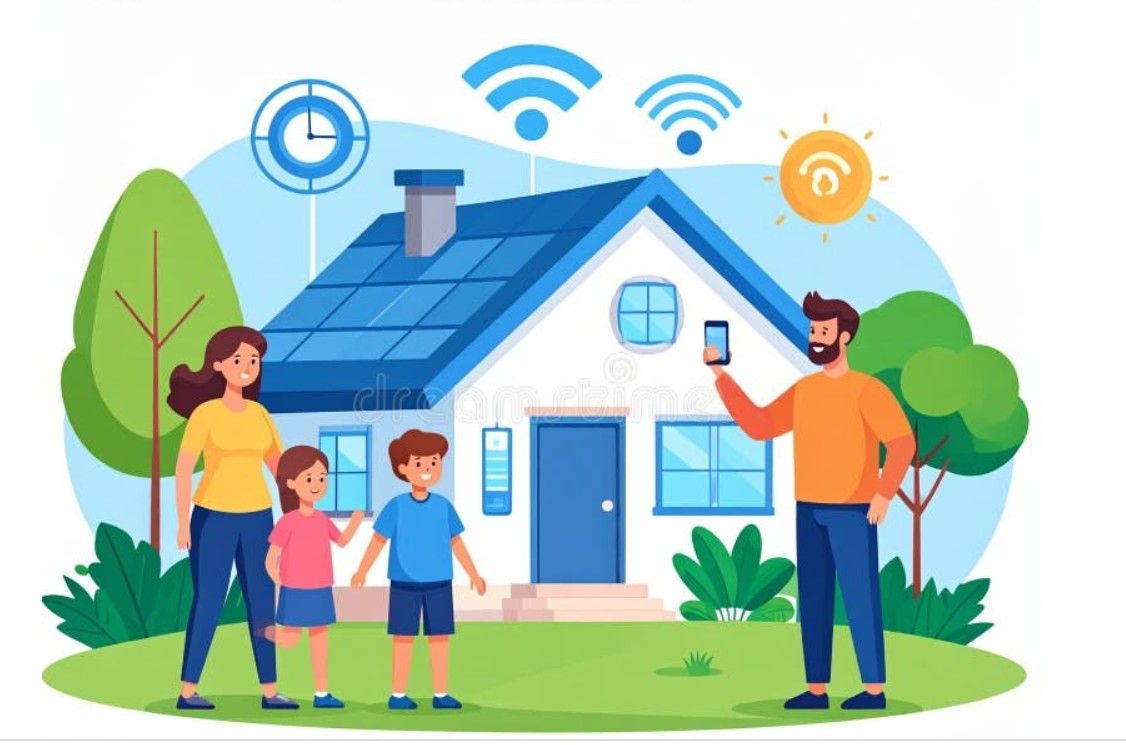
Every household today requires a good internet connection. We use it for online schools, watching cartoons and movies, playing games with friends, and even telling smart bulbs or fans what to do!
You could get the internet into your house in many, many ways. This simple guide will describe every type in plain language. By the end, you will know its good points (pros) and bad points (cons), how fast it is, what it costs, and which one is right for your home.
DSL (Digital Subscriber Line)
What is DSL?
DSL uses the same old telephone wires that your grandparents used for phone calls. It was one of the first “fast” internets.
Normal speed: 1–100 Mbps (small number = slow like a bicycle, big number = faster like a scooter).
Pros (Good things)
- Works in almost every place that has phone lines.
- Very cheap.
- Good and steady for light work like homework or YouTube.
Cons (Bad things)
- Not very fast.
- Gets slower if your house is far from the company’s big office.
- Not good for many videos or online games at the same time.
Best for
Small families who do light work, or villages where nothing better is available.
Types of Internet Connections drawing easy / How to draw Internet Connections for projects.
Cable Internet
What is Cable Internet?
It comes through the thick black cable that also brings cable TV to your house.
Normal speed: 25–1000 Mbps (very fast, like a car!).
Pros
• Fast enough for HD videos and games.
• More reliable than DSL.
• Easy to find in cities and towns.
Cons
• Many people share the same cable, so it can slow down in the evening.
• Costs more than DSL.
• Sometimes needs a technician to install.
Best for
Big families with phones, TVs, laptops, and tablets all working together.
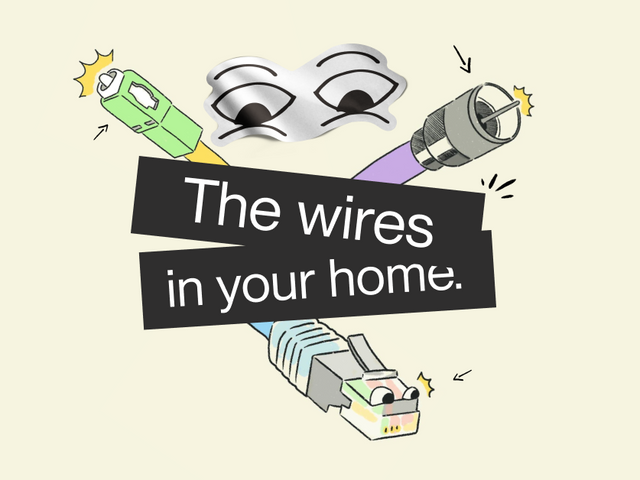
Understanding the internet lines in your home. | oxio Blog | Oxio
Fiber-Optic Internet
What is Fiber-Optic Internet?
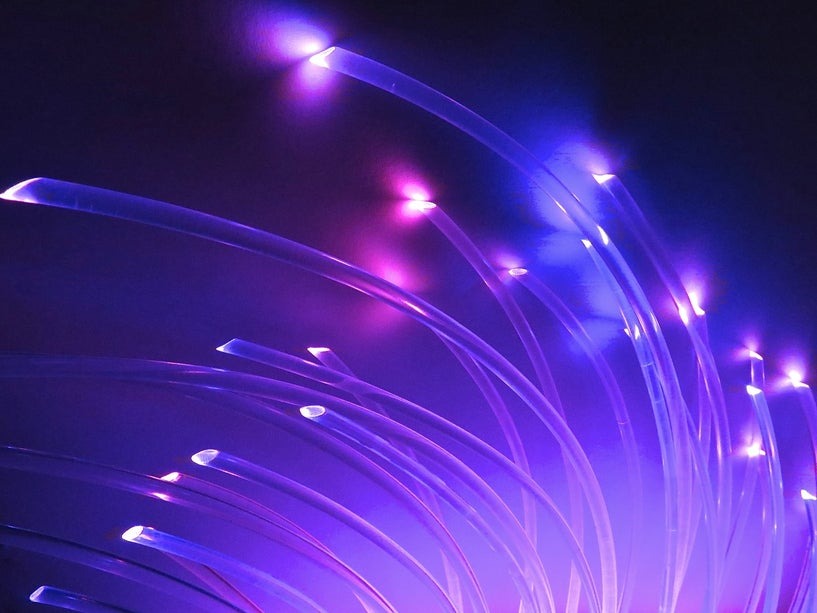
It uses super-thin glass wires that send internet with light (like a laser show!).
Normal speed: 250 Mbps to 10 Gbps (super-duper fast, almost like magic!).
Pros
- Extremely fast and never slows down.
- Same speed for downloading and uploading (great for making videos).
- Future-proof—it will still be good in many years.
Cons
- Not available in villages yet.
- Costs more money.
- Needs special cables under the ground.
Best for
Kids who study online, gamers, and smart homes with many gadgets.
The Beginner’s Guide to Fiber Optics: 13 Steps (with Pictures) – Instructables
Satellite Internet
What is satellite internet?
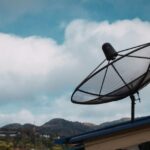
A dish on your roof talks to a satellite high up in space!
Normal speed: 12–250 Mbps.
Pros
- Works almost anywhere, even deep in the forest or mountains.
- Quick to set up.
- New ones are getting better and faster.
Cons
- There is a small delay (you click, and it takes a second to reach).
- Rain or clouds can make it weak.
- Can be costly if you use lots of data.
Best for
Village homes with no wires at all. Good for light browsing and one or two videos.

Fixed Wireless Internet
What is Fixed Wireless?
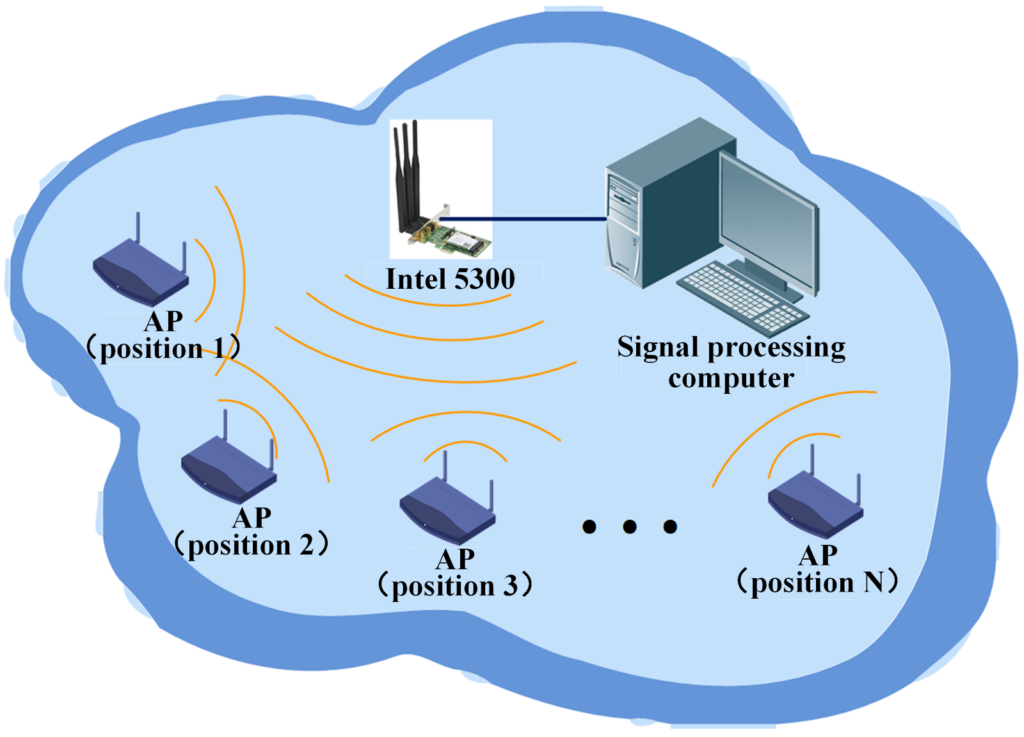
The Internet comes from a tall tower using radio waves (no wires to your house).
Normal speed: 25–100 Mbps or more with 5G.
Pros
- No digging cables.
- Good speed in places without phone or cable lines.
- Less delay than satellite.
Cons
- Trees or big buildings can block the signal.
- Can slow down if many people use the tower.
- Needs a clear view of the tower sometimes.
Best for
Houses between the city and the village. Perfect for video calls and normal streaming.
Deep-Reinforcement-Learning-Based Wireless IoT Device Identification Using Channel State Information
Mobile/Cellular Internet (4G/5G)
What is mobile internet?
It uses the same signal as your mobile phone. You can use a phone hotspot or a special router.
Normal speed: 10–1000+ Mbps (5G is very fast).
Pros
• You can take it anywhere.
• 5G is quick with very little delay.
• Easy—just put in a SIM card.
Cons
• You may run out of data, and it slows down.
• Weak signal inside thick walls or remote villages.
• Expensive if you use a lot.
Best for
Travel, rent houses, or use as an extra backup internet.

Comparing Internet Types
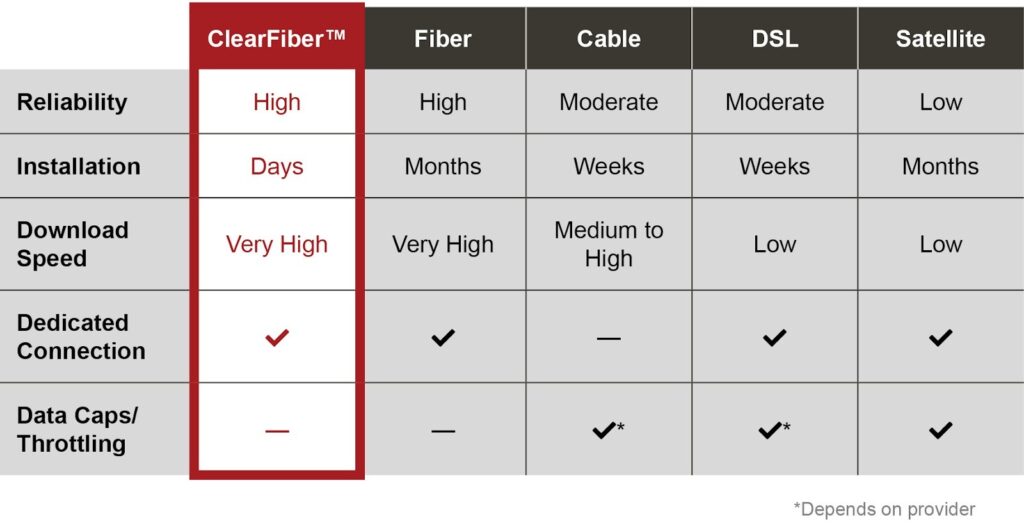
Here is a simple table:
| Connection Type | Typical Speed | Pros | Cons |
| DSL | 1–100 Mbps | Cheap, everywhere | Slow, distance problem |
| Cable | 25–1000 Mbps | Fast, good for families | Slows in the evening |
| Fiber | 250 Mbps–10 Gbps | Super fast, reliable | Not in villages, costly |
| Satellite | 12–250 Mbps | Works in remote areas | Delay, weather problem |
| Fixed Wireless | 25–100 Mbps | No wires, good speed | Blocked by trees |
| Mobile 4G/5G | 10–1000+ Mbps | Can carry anywhere | Data limit, signal varies |
What are the best rural business internet options? – GeoLinks
Cost (monthly)
DSL: cheapest ($20–50)
Cable: medium ($40–100)
Fiber: expensive ($50–150)
Others: depends on how much data you use.
How to Choose the Right Internet for Your Home
- Take stock of how many phones, TVs, and laptops you own.
- Think about what you do: games and 4K videos must have fast fiber or cable.
- See what is available in your area (city = fiber, village = satellite or fixed wireless).
- See your parents’ budget.
- Think long term: fiber or 5G will be around for years.
Real-life examples
• My city gamer boy uses fiber—no lag in games!
• Village student studies using satellite—does homework despite lack of roads.
• Traveling family uses a mobile hotspot when in hotels.
Quick Tips to Make Wi-Fi Better
Place the router in the center of the home.
• High, not behind the TV.
• Set a strong password so neighbors don’t swipe your speed.
• Restart the router once a week.
FAQs
Q: Can I change from DSL to fiber?
A: Yes! Call the company—they will check if fiber reaches your street.
Q: Is satellite good in 2026?
A: Yes, new satellites are faster and have less delay than before.
Conclusion
Every home is different. Fit the internet to your speed needs, budget, and location. Speak with your parents, see what is available around you, and decide wisely. Having decent internet helps with homework, play, and family time!